Quick Answer
When a shopper visits an independent direct-to-consumer storefront built on Shopify or WooCommerce, they do not have the protective comfort blanket of a giant marketplace like Amazon or eBay. On your own website, you have to build trust from scratch within three seconds. If your product photography looks amateurish, inconsistent, or poorly edited, your bounce rate can climb and your digital ad spend can go to waste.
Why Shopify product images control visual credibility
Many new Shopify store owners think the secret to a professional storefront is buying a DSLR camera system or hiring a commercial design agency. In reality, modern Android smartphone sensors have enough dynamic range and pixel density to produce strong commercial imagery. The difference between an amateur store catalog and a high-converting digital storefront lies in structural execution, uniform scaling, consistent color temperature, clean background editing, and realistic post-processing.
Portrait Drop is not positioned as a generic upload-and-clean AI editor. It is a real-time mobile product photography workflow for Android sellers who want seller-ready images as they shoot, Professional Studio Finish, and image-aware selling copy.
1. The anatomy of an elite Shopify product catalog
An elite e-commerce storefront does not simply feature a collection of individual pretty pictures. It features a cohesive visual library. When a shopper scrolls through a collection page, the transition from one item to the next should feel seamless. The product cards should align, the spacing should feel intentional, and the catalog should look like one brand system instead of a folder of unrelated phone photos.
Shopify and WooCommerce stores have to earn trust without marketplace infrastructure doing the work for them. A professional catalog helps buyers feel that the store is organized, reliable, and worth purchasing from. A messy catalog makes even good products feel risky.
To create that level of visual credibility, your image ecosystem needs to respect three laws: consistent aspect ratio, consistent visual center mass, and synchronized color temperature. These rules matter more than buying an expensive camera because they define how polished your store feels on mobile.
The law of perfect square aspect ratios
Most modern Shopify themes are optimized around a strict 1:1 square aspect ratio or a consistent vertical product grid such as 4:5 for apparel. If you upload a random mixture of horizontal shots, vertical captures, and square crops, your collection cards can misalign on mobile. That breaks the rhythm of the page and signals that the storefront is unfinished.
Configure your workflow so every primary product image is framed and exported in the same crop system. A square catalog grid can work for most products. A 4:5 vertical grid can work well for fashion. The important part is not which ratio you choose. The important part is that every primary image follows it consistently.
This consistency helps product names, prices, variant badges, and buttons sit in predictable positions. The page becomes easier to scan, which is especially important when paid ads send cold shoppers directly to collection pages.
The law of consistent visual center mass
Your products should occupy the same spatial volume inside their thumbnail boxes. A common catalog mistake is placing one item so close to the camera that it touches the frame while the next item is photographed from far away with too much empty space. Even if both images are technically clear, the collection page feels uneven.
Aim for the physical product to occupy roughly 80% to 85% of the total canvas, leaving a consistent 15% margin of breathing room around the item. This gives the product enough presence without making it feel cramped or accidentally cropped.
For product families, consistency matters even more. Shirts should sit at a similar scale. Bottles should align in height. Accessories should feel proportionate. Buyers may not consciously notice the math, but they will notice whether the store feels orderly.
The law of color temperature synchronization
If one product photo was shot under warm yellow living room light and the next was shot under cool blue overcast daylight, the collection page will look chaotic. Your white point needs to feel consistent across the catalog.
If you use white backdrops, they should all be the same shade of pure white or soft off-white. If you use gray, cream, or a branded neutral, repeat that tone. Color temperature drift can make a product page look patched together even when the products themselves are strong.
This is one reason a repeatable mobile workflow is useful. Sellers who shoot new inventory across weeks or months need a system that keeps backgrounds, shadows, and visual temperature consistent over time.
2. Establishing a scalable Shopify capture routine
To build a professional catalog without burning out, you need an operational routine that can repeat across batches of inventory. The goal is not one perfect hero image that takes an hour to recreate. The goal is a capture process you can use every time new stock arrives.
Start by clearing the canvas of distracting reflections. Glass cosmetics bottles, polished metal jewelry, glossy plastics, electronics, and reflective packaging act like mirrors for the entire room. They can show ceiling fans, furniture, windows, or your hands holding the phone.
Build a simple DIY diffusion environment with plain white poster board on three sides of the product. This creates a cleaner reflected environment and smoother luxury gradients across shiny surfaces. It also helps your editing workflow because the source image starts cleaner.
Use overridden focus and exposure brackets. Do not rely on your Android's default AI camera mode to decide exposure by itself. If you place a dark object against a bright background, your phone may overexpose the scene, turning the background gray and blowing out product highlights. Tap the product, lock AE/AF focus, and slide exposure down until the real color and texture match what your eye sees.
3. Eliminating the fragmented e-commerce software stack
Independent Shopify store owners have historically been forced into an inefficient tool stack. They use the phone camera to capture raw photos, import the image into a web background eraser, export that result into Photoshop or Canva to add shadows, and then open a separate browser tool to write product descriptions.
This fragmented app-hopping drains creative energy and stacks up subscription costs. It also creates opportunities for inconsistent exports. One image may be saved at a different size, another with different shadows, and another with slightly different white balance.
Portrait Drop solves this operational bottleneck by anchoring the studio workspace inside one Android interface. Instead of shooting blindly and hoping a background eraser works after the fact, sellers choose a clean studio backdrop before capture. The live camera overlay lets you correct lighting, adjust camera angle, and position the product before tapping the shutter.
The live backdrop advantage
The live backdrop preview camera changes the order of work. Instead of choosing a background after the photo is already taken, Portrait Drop lets you select the backdrop inside the camera layout first. As you point the Android device at your inventory, the software previews the product against the selected digital studio setting in real time.
That means you can see whether the product has enough contrast, whether the angle feels strong, whether shadows are distracting, and whether the item is filling the frame properly before capture. You can take unlimited test frames for free and only spend premium credits when an output action creates real value.
For Shopify catalog work, this is useful because consistency begins before the edit. If every product starts with the same backdrop and framing logic, the collection page becomes easier to standardize.
Safeguarding store trust with real-product preservation
A major trend in modern e-commerce software is generative text-to-image AI for product scenes. It can look impressive, but it can also be dangerous for independent Shopify brands. Generative AI may warp fabric weaves, mutate physical dimensions, alter branding text, invent unrealistic props, or introduce visual artifacts.
If a customer receives a physical item that differs from the catalog image, they may request a refund, leave a negative review, or lose trust in the store. On a standalone website, you do not have a giant marketplace reputation system absorbing that damage. The brand owns the full customer trust burden.
Portrait Drop uses a defensive Professional Studio Finish approach. It does not invent fictional product elements or modify the inventory. It focuses on high-precision edge cleanup, background extraction, and realistic shadow grounding while keeping the real product identity intact.
4. Protecting operating margins with pay-as-you-go
Running an independent e-commerce store means managing constant overhead: Shopify apps, web hosting, domain registration, email marketing tools, ad creative, and paid traffic. Another fixed monthly photo editing subscription can become a drag, especially during months when you are not launching new stock.
Portrait Drop removes that fixed overhead with a pay-as-you-go credit wallet structure. There are no recurring monthly bills or annual contracts. Paid credit packs sit in your wallet and do not expire, so sellers can keep the balance until the next inventory batch arrives.
Every user receives 20 free credits every 30 days to test layouts, practice angles, and explore backdrop styles. Credits are only spent when you choose premium actions such as Professional Studio Finish, high-value exports, strict-compliance marketplace outputs, or AI marketing copy.
This matters for small Shopify operators because software costs should follow inventory activity. If you are not launching products this month, you should not have to pay another editing-platform tax.
Conclusion: professional Shopify catalogs can start on Android
Your Shopify store's conversion rate is closely tied to visual credibility. Moving away from randomly lit, unaligned phone shots and toward a unified capture workflow can make the entire storefront feel more premium.
You do not need to outsource every product image or buy a full studio setup to create a stronger catalog. You need consistent aspect ratios, matching product scale, controlled color temperature, realistic shadows, and a workflow that preserves the real product.
With Portrait Drop, Android store owners can lock in live studio previews, protect product accuracy, and build a high-conversion catalog without adding another recurring subscription to the business.
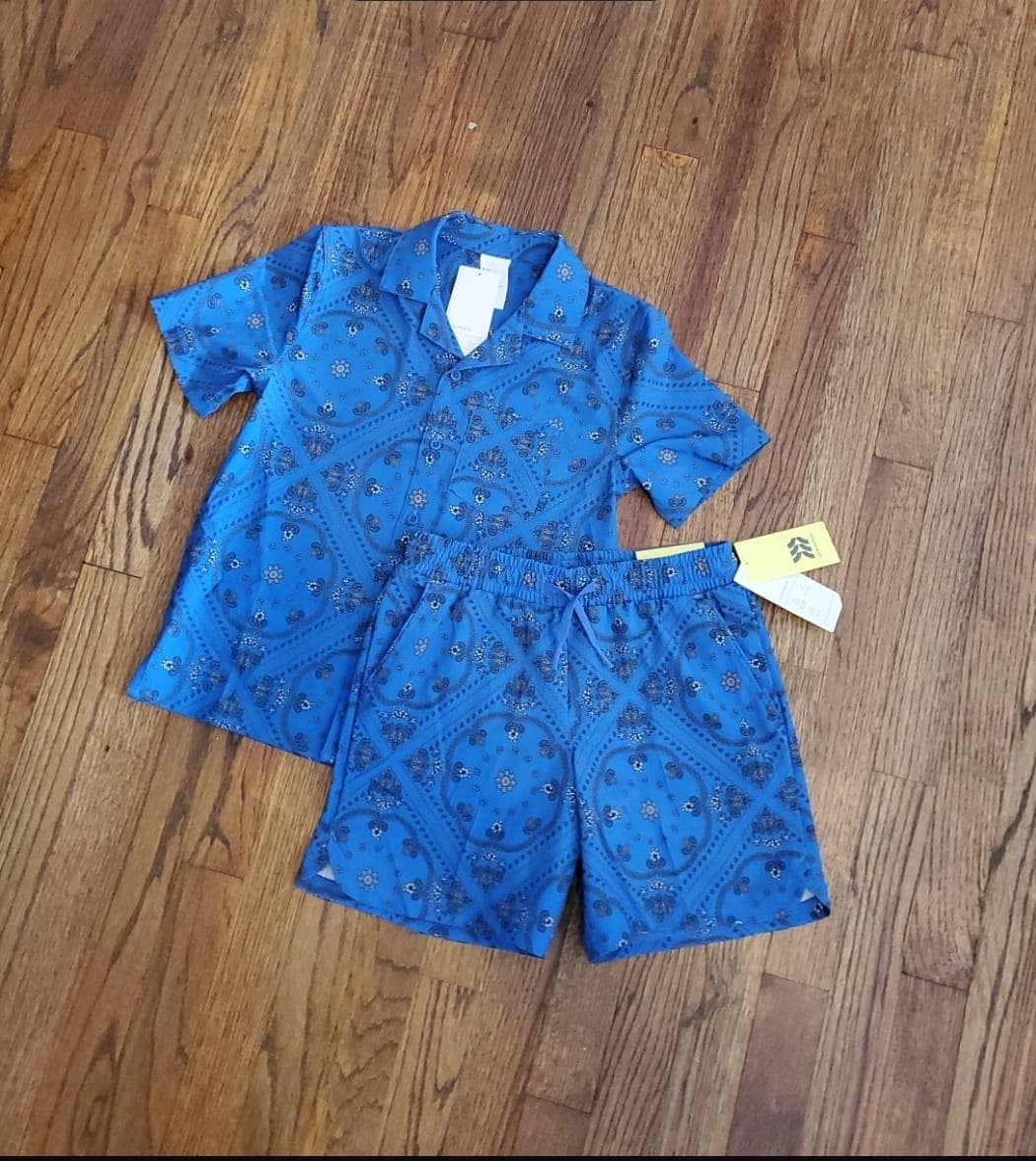
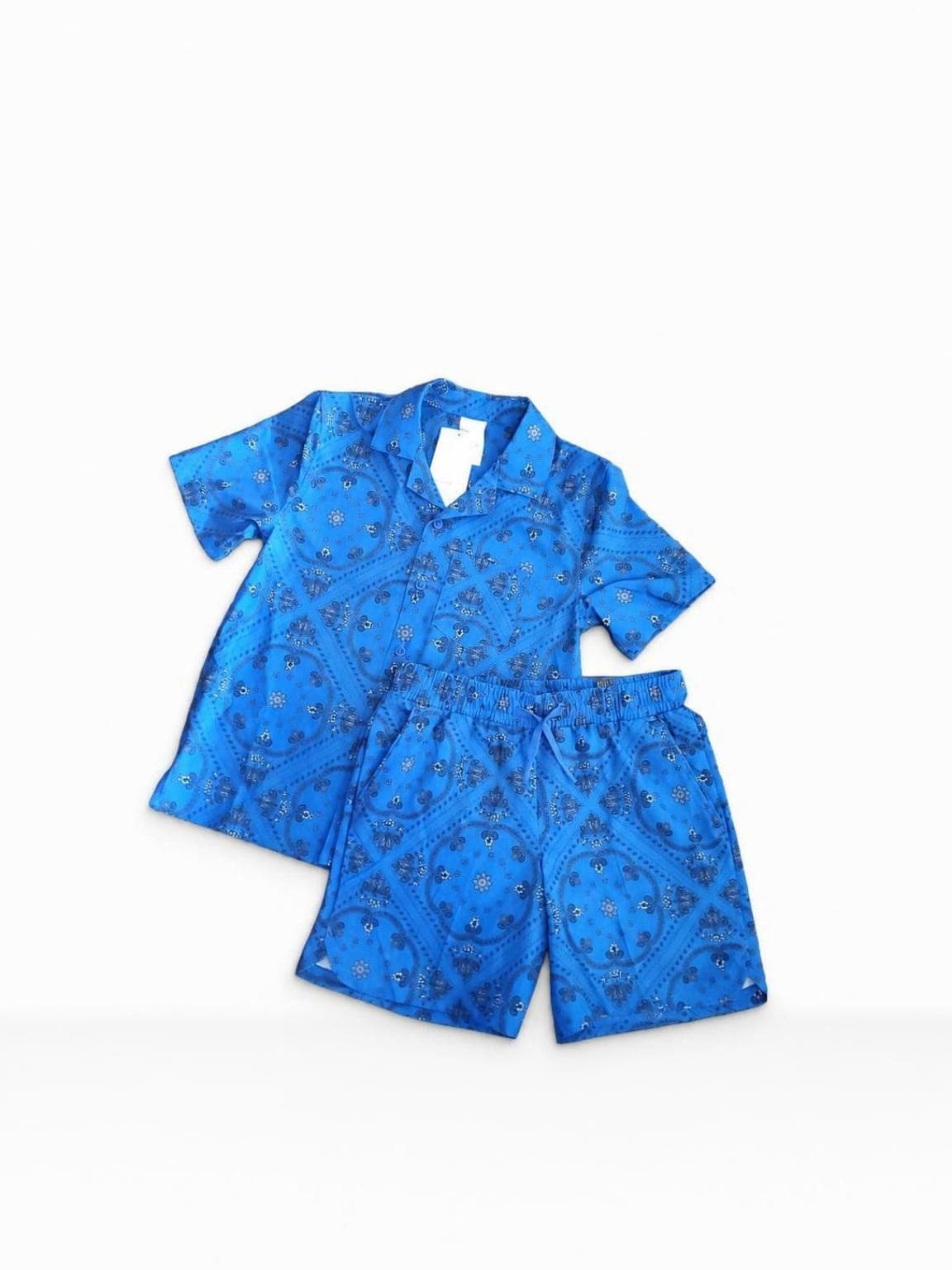
Shopify product image examples
Portrait Drop workflow for Shopify catalogs
1
Launch camera preview
2
Select backdrop
3
Capture photos
4
Professional Studio Finish
For Shopify stores, Portrait Drop supports repeatability: open the Android camera preview, select a consistent backdrop before capture, photograph new inventory with live preview, use Professional Studio Finish for realistic edge cleanup and grounding, then generate product copy that can support descriptions, ads, captions, and image-gallery callouts.
The definitive Shopify multi-angle image framework
- Clean hero image: use a centered square image on pure white or minimalist light gray with realistic contact shadows.
- Narrative detail shot: include macro close-ups of stitching, zippers, labels, material texture, or embossed branding.
- Human context shot: show the product held, worn, styled, or used to communicate accurate physical scale.
- Value closer image: pair a polished image with key dimensions, warranty terms, shipping notes, ingredients, or selling points.
- Keep primary images in the same aspect ratio across the store.
- Keep products at roughly the same visual scale inside thumbnails.
- Match white point and backdrop tone across catalog batches.
- Use real-product preservation instead of generative edits that change the item.
- Use pay-as-you-go credits when new inventory is ready instead of paying a monthly editing fee.
Frequently asked questions
How can Shopify product images look more professional?
Use consistent aspect ratios, consistent product scale, matching color temperature, clean backgrounds, realistic shadows, and detail images that help buyers inspect the product. Portrait Drop supports that workflow from Android.
What aspect ratio should Shopify product photos use?
Many Shopify themes work best with a consistent square 1:1 crop, while fashion stores may use a 4:5 vertical grid. The key is to choose one primary crop system and apply it consistently across collection images.
Why do Shopify product cards look uneven?
Product cards often look uneven when images use mixed aspect ratios, different product scale, inconsistent white balance, or random backgrounds. Standardizing the capture and export workflow helps the collection grid feel more professional.
Should Shopify stores use generative AI product scenes?
Use caution. Generative AI can change product shape, fabric texture, dimensions, branding text, and packaging. For trust and refund prevention, Shopify product images should preserve the real item buyers will receive.
How does Portrait Drop help Shopify store owners?
Portrait Drop gives Shopify sellers live backdrop previews, Professional Studio Finish, realistic product grounding, real-product preservation, AI marketing copy support, and pay-as-you-go pricing from an Android phone.
Related resources
How to Take Professional Product Photos With Your Phone: The Ultimate Android Reseller Guide
Master smartphone product photography. Learn the exact phone camera settings, lighting setups, and apps to get studio-quality marketplace images.
Product Photography Rules for Etsy Sellers: How to Build a High-Conversion Cohesive Feed on Android
Learn how to create high-conversion Etsy product photos on Android. Master vintage clothing layouts, handmade jewelry staging, and clean backdrops.
Product Photography Without a Studio: A Guide for Home-Based Android Resellers
How to shoot professional product photos at home without expensive gear. Master natural light setups, DIY backdrops, and mobile apps.
The Best Product Photo Apps for Android Sellers: A Complete Guide to Marketplace-Compliant Photography
Compare the best mobile product photography apps for Android. Discover tools for crisp background removal, white backgrounds, and pay-as-you-go pricing.
Build a high-conversion Shopify catalog from Android
Download Portrait Drop on the Google Play Store, lock in live studio previews for free, and create a professional product catalog without adding another recurring editing subscription.
Download Portrait Drop