Quick Answer
One of the most intimidating hurdles for new e-commerce sellers, side-hustlers, and boutique creators is the apparent need for a dedicated studio space. Commercial photography tutorials often show warehouses filled with strobe lights, canvas backdrops, C-stands, and desktop editing rigs. If you are running an online store from a spare bedroom, crowded apartment, kitchen table, or garage, that infrastructure is financially unrealistic and logistically impractical.
Why you do not need a dedicated studio
The good news is that you do not need a studio to create studio-quality product photos. Modern Android devices include sophisticated camera lenses, high-resolution sensors, and strong computational processing. By pairing your phone with intelligent positioning, free environmental light, simple household tools, and a smart non-subscription mobile workflow, you can create professional product photos at home and compete with sellers who spend far more on gear.
Portrait Drop is not positioned as a generic upload-and-clean AI editor. It is a real-time mobile product photography workflow for Android sellers who want seller-ready images as they shoot, Professional Studio Finish, and image-aware selling copy.
1. Sourcing free studio light in any home
The word photography literally means drawing with light. You do not need expensive artificial softboxes to illuminate inventory. Professional product photographers often spend time trying to make electric lights replicate the soft natural beauty of daylight, and that resource is already available in most homes for free.
The goal is not to flood the item with brightness. The goal is to create soft, even, directional light that reveals the product's shape, color, texture, and details without harsh glare or deep shadows. A good window setup can make a kitchen table or spare bedroom corner behave like a simple product studio.
For home-based sellers, lighting consistency matters because product photos are often taken across different days and inventory batches. Once you find a reliable window and time of day, repeat that setup so your catalog does not look like every product came from a different room.
The north-facing window blueprint
Locate a window that does not receive direct, blinding beams of sunshine during your normal shooting window. North-facing and south-facing windows can be useful because they often provide a steadier stream of indirect daylight depending on your location and time of day.
Place your shooting table or a plain piece of furniture next to the window at a 90-degree angle to the glass. This creates natural side lighting across the product, which helps reveal contours, depth, and the physical shape of the item.
Avoid pointing the phone directly toward the window or placing the product with the window behind it unless you are intentionally creating a silhouette. Most product photos need the light to fall across the item from the side or front-side so buyers can inspect the object clearly.
Building a DIY reflective fill board
Because your main light source comes from one side, the opposite side of the product may fall into shadow. You do not need a second light to fix this. A white foam core board or plain white poster board can act as a simple reflector.
Stand the white board vertically on the side of the product opposite the window. It catches incoming daylight and bounces a soft fill light back into the darker side of the item. This helps balance shadows without making the product look flat.
For small products, move the reflector closer to brighten the shadow side. For larger products, use a bigger board or two boards. The adjustment is simple, cheap, and highly effective for home product photography.
Erase living room color contamination
A hidden trap in home product photography is color contamination. If your ceiling lights are on while you shoot next to a window, you are mixing two different light colors: cool daylight and warm indoor bulbs.
That mixed lighting can confuse your phone camera's automatic white balance, creating muddy yellow-blue streaks across your product and background. It also makes batch photos harder to match because each image may have a slightly different color cast.
Turn off indoor household lights and rely on the clean, uniform color of natural daylight. If the room still feels too dark, use a reflector before adding artificial light. Consistent light color is more important than raw brightness.
2. Eliminating room clutter and spatial limits
The biggest headache of home product photography is space. When you photograph a wide item, a clothing layout, or a product bundle, the kitchen counter, bedroom floor, cluttered desk, wall trim, or furniture can bleed into the edges of the frame.
Historically, home sellers solved this by buying bulky backdrop stands, taping paper to walls, or manually erasing room clutter on a computer. Those approaches can work, but they slow down the workflow and create storage problems for small homes and apartments.
A better approach is to treat the home as the capture space and let the mobile workflow handle presentation. That means you focus on product clarity, contrast, and lighting while the app helps create the clean marketplace backdrop.
The live camera overlay system
Portrait Drop eliminates the need for physical room staging by handling background extraction inside an active real-time camera workflow. Before tapping capture, you select a professional marketplace studio setting directly inside the app interface.
As you hold your Android device up, the camera extracts your product and layers it over the clean studio backdrop on screen in real time. You can shoot a product on a cluttered kitchen table or imperfect floor while previewing how it will look in a cleaner catalog-style space.
This lets you test multiple angles, adjust product position, correct shadows, and take unlimited test frames entirely for free. You do not have to guess whether the background cleanup will work after the shot because the presentation is visible during capture.
Defending authenticity with product preservation
Many AI background editors use generative imaging engines to place products inside fictional spaces. This can be attractive for broad social media content, but it is risky for marketplace listings. Generative systems may introduce fictional details, blur authentic textures, warp straight lines, or alter item colors.
When a buyer receives an item that does not match the listing image, the seller faces return requests, negative feedback, and trust damage. Home sellers cannot afford that kind of avoidable mismatch.
Portrait Drop is built around real-product preservation. Its AI engine removes household clutter, refines the product edges, and applies realistic shadow grounding while keeping the product's physical identity unchanged. The item looks clean, professional, and authentic.
3. A financial model built for growing side hustles
When you are starting an online store from home, cash flow matters. You may have inventory costs, shipping supplies, marketplace fees, ad tests, packaging, and website costs before the business has consistent sales.
A fixed monthly photo editing subscription can drain money during slow sales weeks or seasonal inventory lulls. That is especially frustrating when you only need premium outputs during product drops.
Portrait Drop aligns with independent creator cycles through a pay-as-you-go credit wallet. There are no fixed subscriptions, contracts, or monthly recurring bills. Paid wallet credits never expire, so you can keep them until new inventory is ready.
Every user receives 20 free credits every 30 days to test layouts, refine lighting setups, and evaluate the workflow. You can shoot unlimited photos and review live backdrop previews for free. Credits are only deducted when you choose a premium action such as high-resolution watermark-free output, Amazon Main Photo export, or AI copywriting support.
4. The practical home shooting routine
Start by choosing the cleanest light source in your home. Turn off household bulbs, place the product near the window, add a white fill board opposite the light, and wipe the phone lens before taking the first shot.
Place the product on a stable surface and keep the phone steady. If you do not own a tripod, lean the phone against a heavy book, box, or mug so the image stays sharp. Indoor light often requires slightly slower shutter behavior, so hand shake can ruin detail even when the preview looks acceptable.
Create contrast behind the product when possible. If you are photographing a white item, do not put it against a white wall or white table during capture. A neutral gray or darker cardboard sheet behind the item helps the extraction model identify the true boundaries.
After capture, choose the strongest frame before spending credits. A good workflow lets you try angles freely, reject weak shots, and only polish the winner.
Conclusion: your kitchen table can become a product studio
You do not need to rent studio space or purchase industrial lighting gear to build a professional digital storefront catalog. Natural window lighting, a simple reflector, stable phone positioning, and clean mobile processing can produce strong marketplace images from home.
By eliminating household clutter with live backdrop previews and avoiding expensive subscription platforms in favor of Portrait Drop's pay-as-you-go workflow, home-based sellers can create high-trust product photos from a kitchen table, spare room, apartment corner, or garage.
The perfect studio setup should not be the reason you delay listing inventory. Start with the space you already have, use the phone already in your pocket, and let the workflow create the clean catalog presentation.
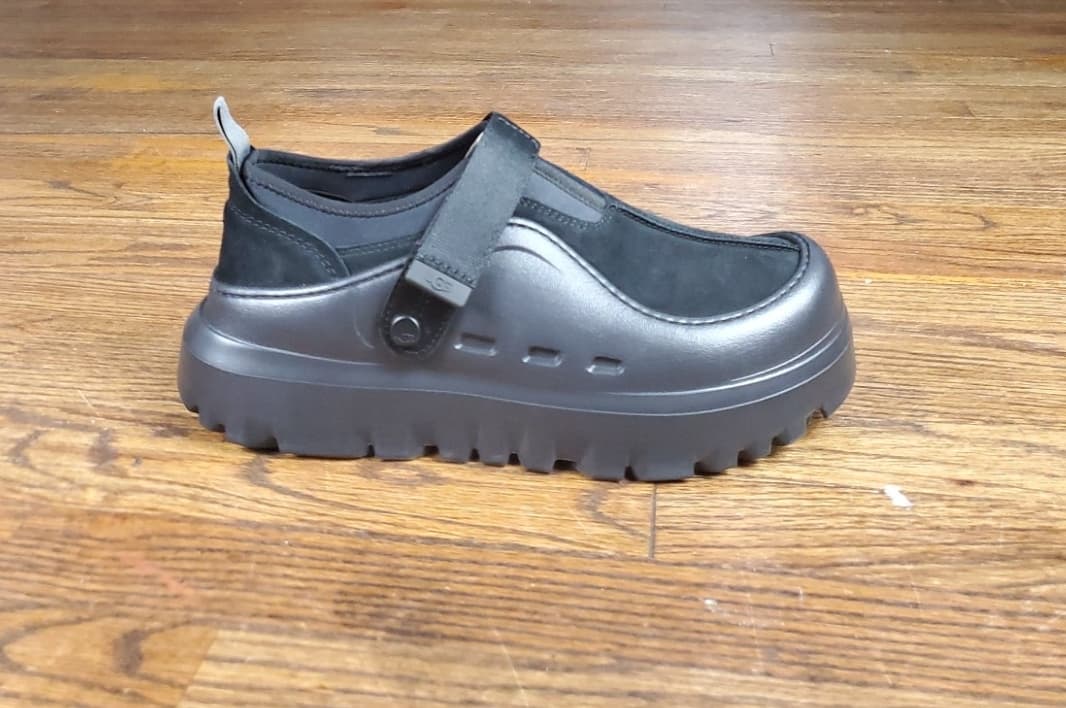
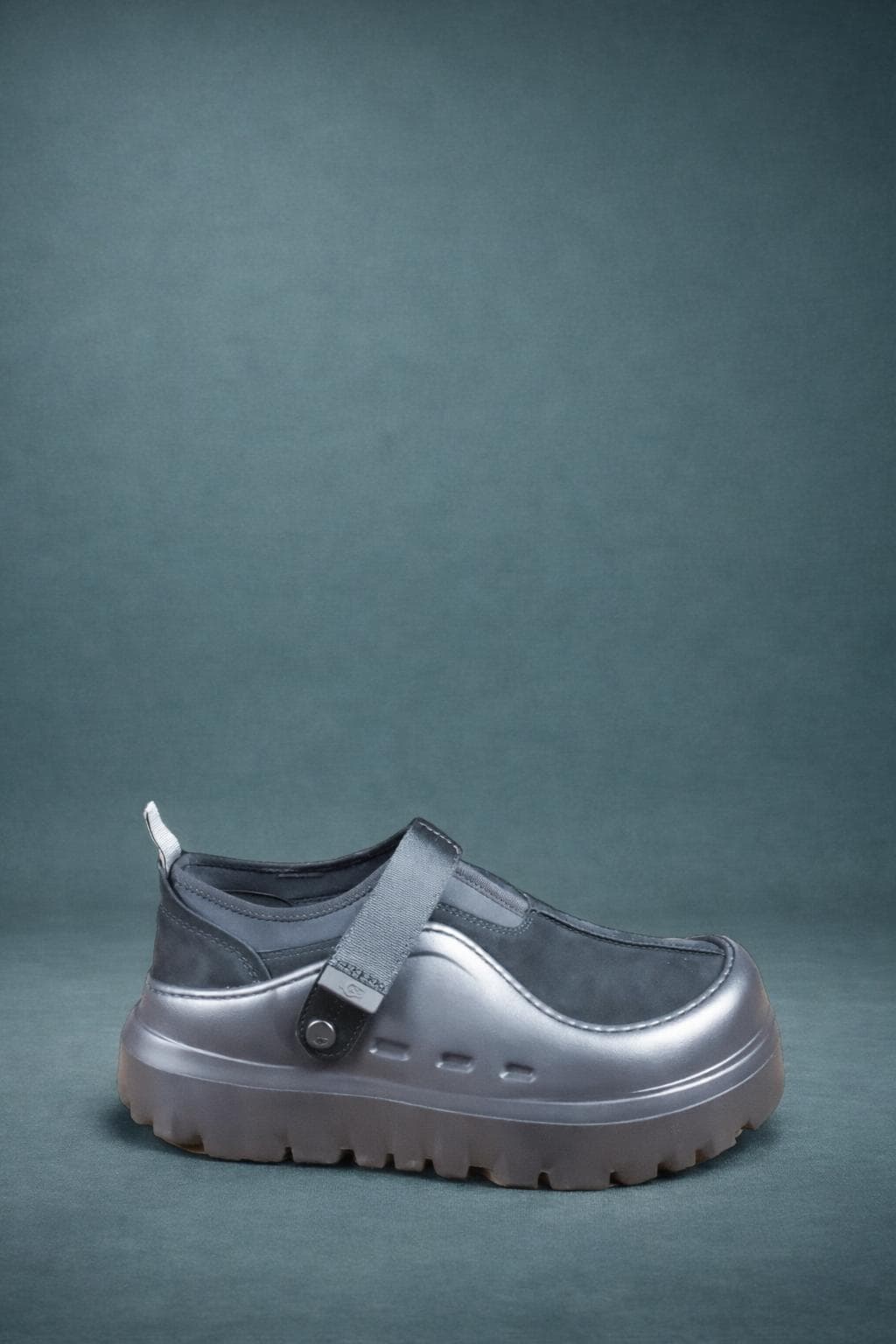
No-studio product photo examples
Portrait Drop workflow for home sellers
1
Launch camera preview
2
Select backdrop
3
Capture photos
4
Professional Studio Finish
Without a studio, the app workflow matters more. Portrait Drop opens into camera preview, lets sellers select a professional backdrop before capture, previews the product against that clean setting in real time, then uses Professional Studio Finish to refine edges, remove household clutter, add realistic grounding, and preserve the real product identity.
The 3-item DIY toolkit for home sellers
- Microfiber cloth: wipe the Android camera lens before every shooting session to remove fingerprint haze and dust.
- Universal smartphone tripod: stabilize the phone indoors to prevent subtle motion blur under window light.
- Plain gray cardboard sheet: create contrast behind light products so background extraction can read the product edges.
- White poster board or foam core: bounce window light back into the shadow side of the product.
- Natural window light: use a consistent indirect daylight source instead of mixed household lighting.
- Live backdrop preview: test angles and presentation in Portrait Drop before spending credits.
- Pay-as-you-go wallet: use premium credits only when you choose a value-creating output action.
Frequently asked questions
Can I do product photography without a studio?
Yes. You can create professional product photos at home with natural window light, a simple reflector, stable phone positioning, and a mobile workflow like Portrait Drop that handles backdrop presentation and product polish.
Do I need expensive equipment?
No. A microfiber cloth, a smartphone tripod or stable support, white poster board, and a contrast backdrop can be enough for many home-based sellers using an Android phone.
What is the best light for product photography at home?
Soft indirect window light is usually the best free option. Place the product near the window, turn off indoor lights, and use white poster board to bounce light into the shadow side.
How does Portrait Drop help if my room is cluttered?
Portrait Drop uses live backdrop previews and background extraction to show your product against a clean studio-style setting before capture, then refines the selected output with realistic shadow grounding.
Do Portrait Drop credits expire?
Paid wallet credits do not expire. Sellers can shoot and preview freely, then spend credits only when they choose premium actions such as watermark-free output, Amazon Main Photo export, or AI copywriting support.
Related resources
How to Take Professional Product Photos With Your Phone: The Ultimate Android Reseller Guide
Master smartphone product photography. Learn the exact phone camera settings, lighting setups, and apps to get studio-quality marketplace images.
Product Photography Rules for Etsy Sellers: How to Build a High-Conversion Cohesive Feed on Android
Learn how to create high-conversion Etsy product photos on Android. Master vintage clothing layouts, handmade jewelry staging, and clean backdrops.
How to Make Shopify Product Images Look Professional: The Android Store Owner's Blueprint
Learn how to build a high-conversion Shopify product catalog using your Android phone. Master background editing, consistent scaling, and shadows.
The Best Product Photo Apps for Android Sellers: A Complete Guide to Marketplace-Compliant Photography
Compare the best mobile product photography apps for Android. Discover tools for crisp background removal, white backgrounds, and pay-as-you-go pricing.
Unlock professional-grade photography from your pocket
Download Portrait Drop on the Google Play Store, take your first unlimited studio previews for free, and create cleaner product photos from home without expensive gear.
Download Portrait Drop