Android capture workflow for sellers

Capture the product. Get the studio shot. Build the post.

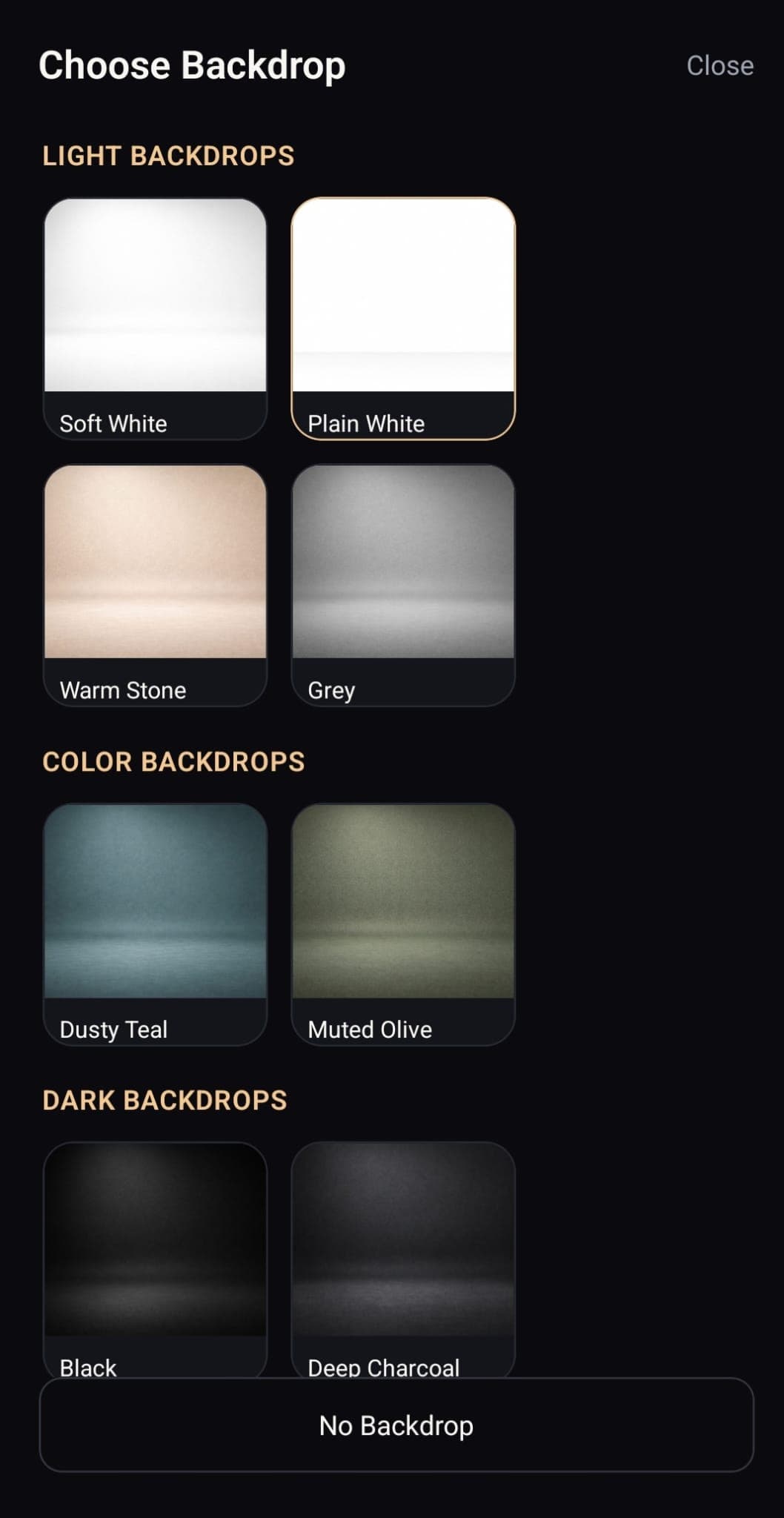
Portrait Drop lets Android sellers choose a backdrop before the shot, capture a studio-style product image instantly, and generate image-aware hooks, captions, CTAs, and hashtags from that exact product photo.

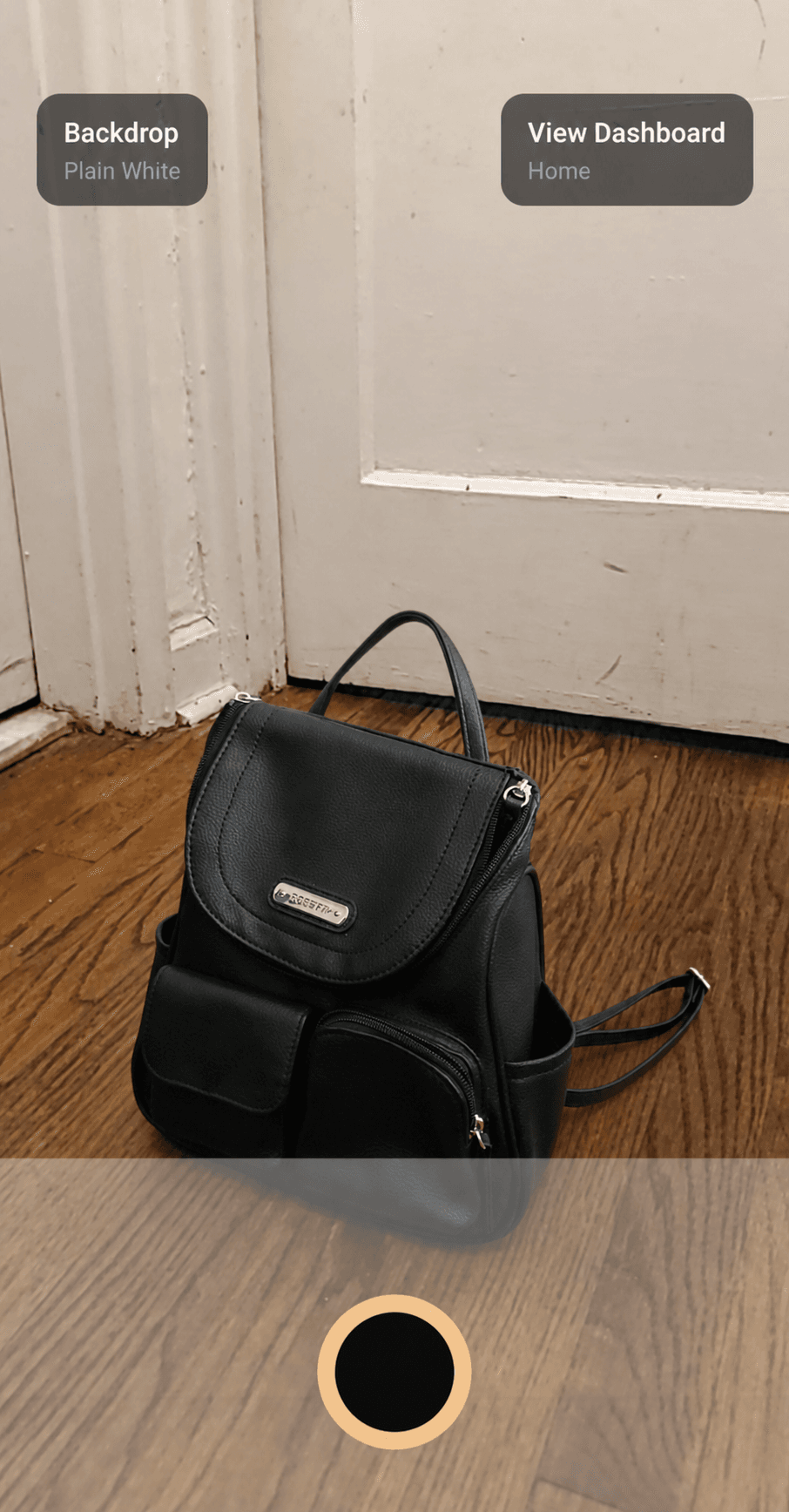
Live preview
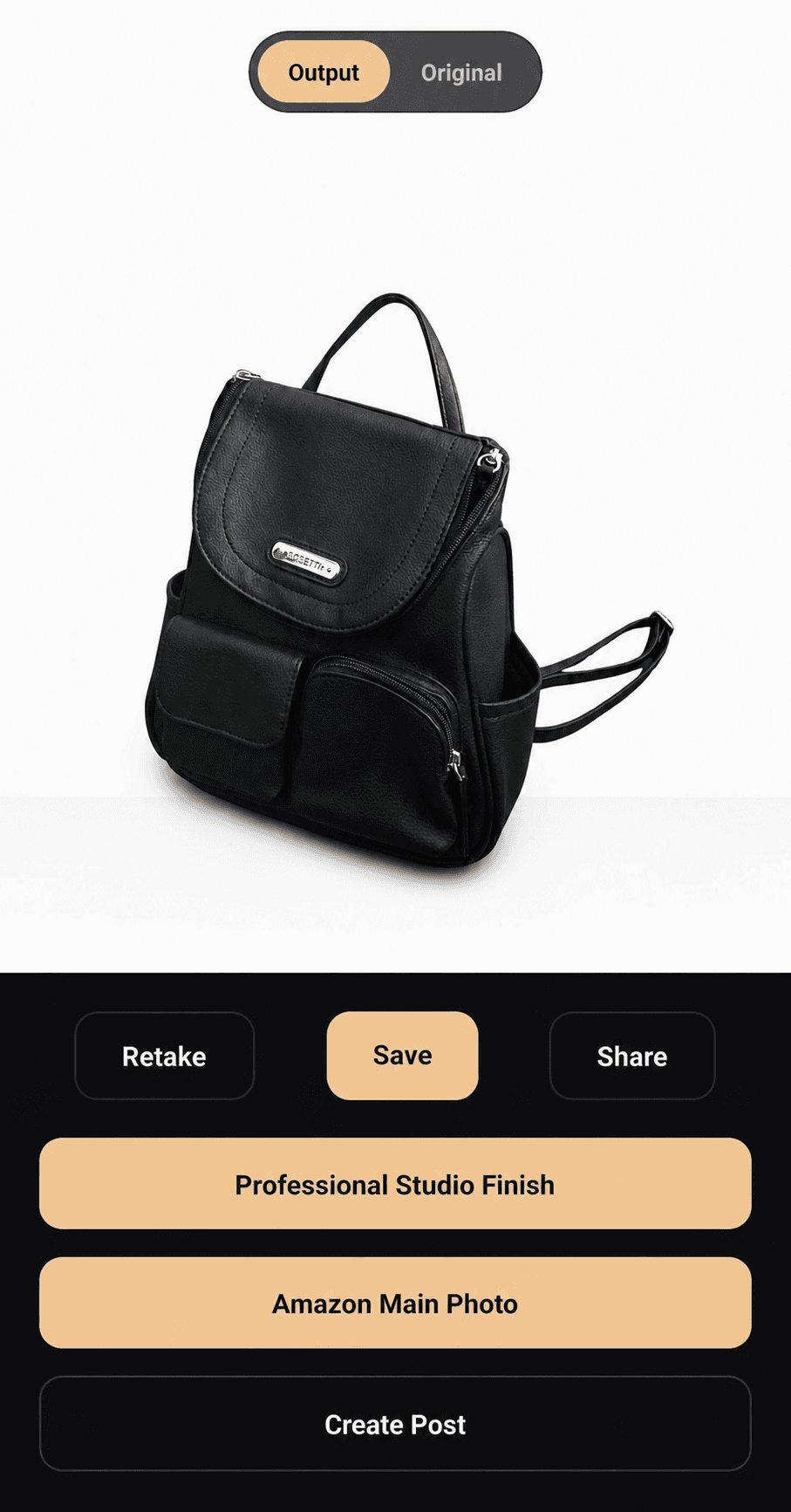
Finished product output shown inside the Portrait Drop app
Retake
Save
Share
Create Post
AI

Item analyzed

BG

Backdrop selected

Get it on Google Play
Portrait Drop demo video in a mobile phone frame.
Demo video

A faster capture-to-selling workflow for product-based businesses.

Select

Choose the backdrop first

Capture

Shoot the product on camera

Sell

Save, share, or create the post

Before and after

Shoot raw. Output studio.

Portrait Drop turns normal phone captures into seller-ready product images with selected backdrops, cleaner presentation, and a studio-style look at save time.

Boot

Phone to studio

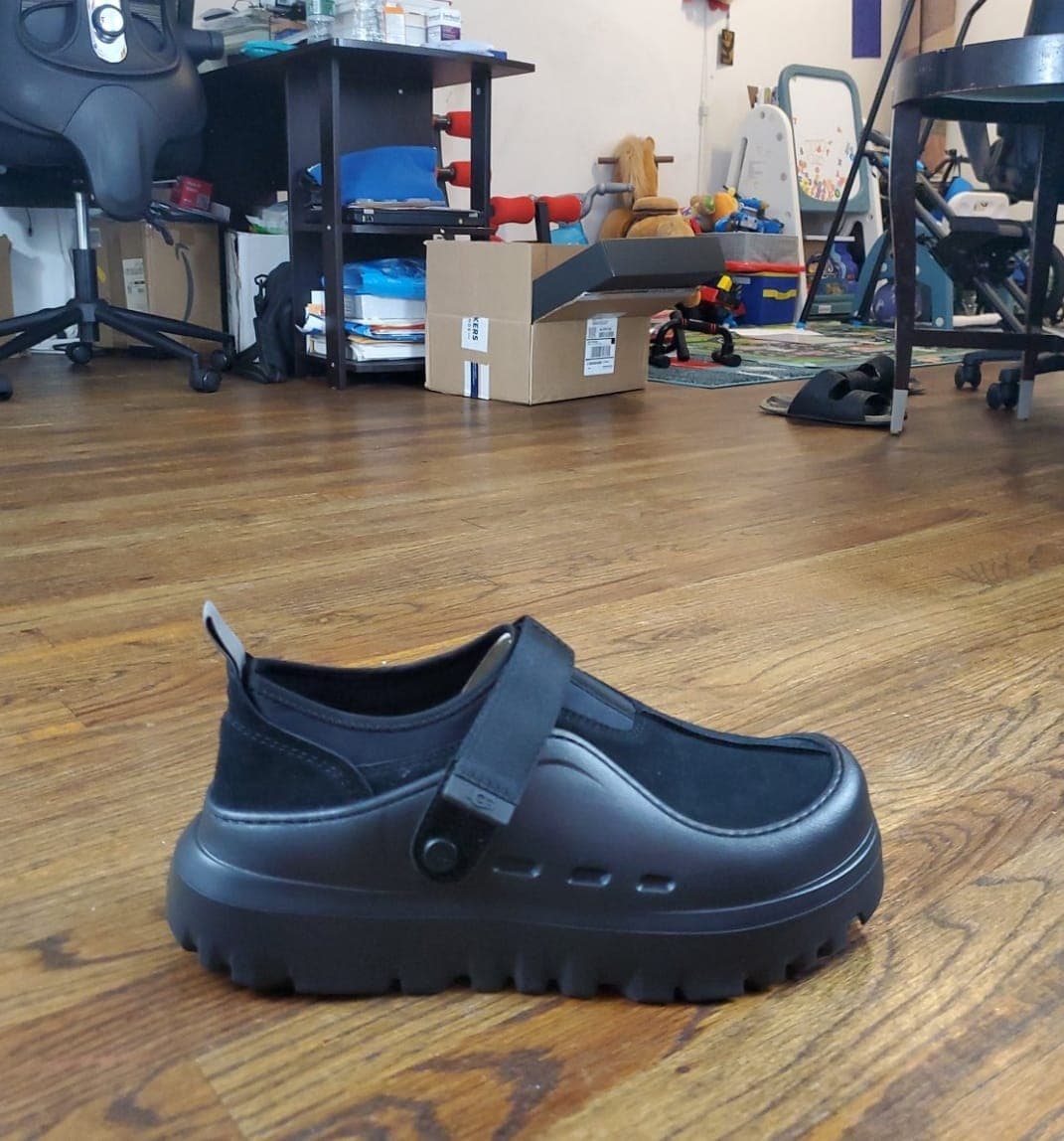
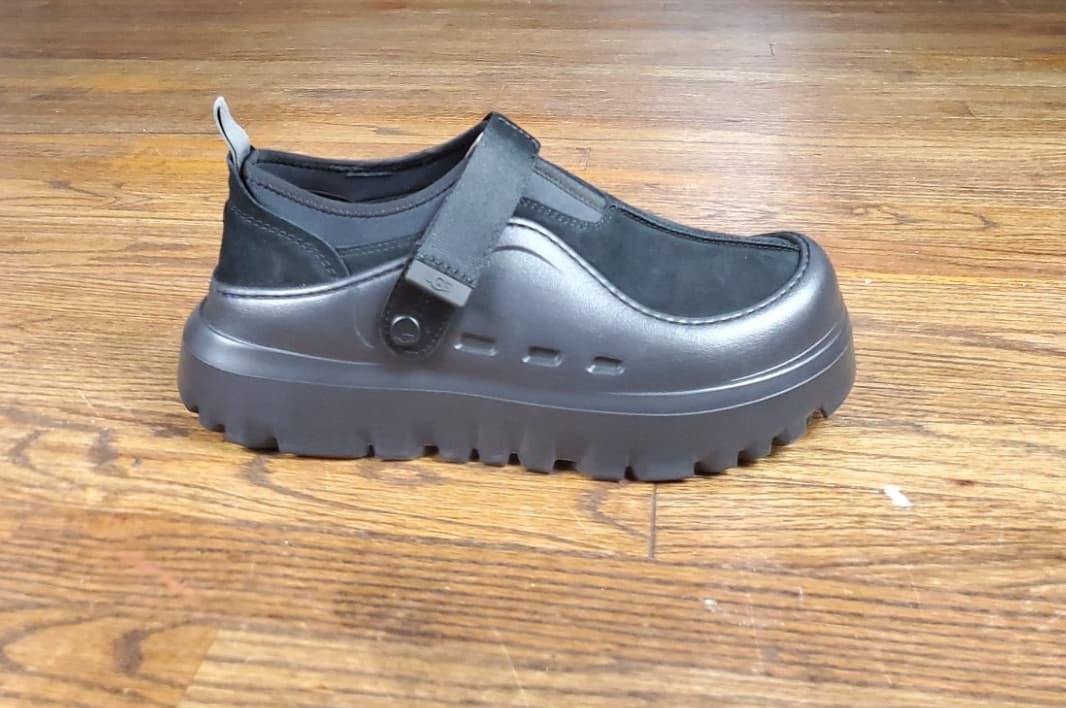
Raw photo

before
Raw phone photo of a black ankle shoe on a wooden floor before Portrait Drop

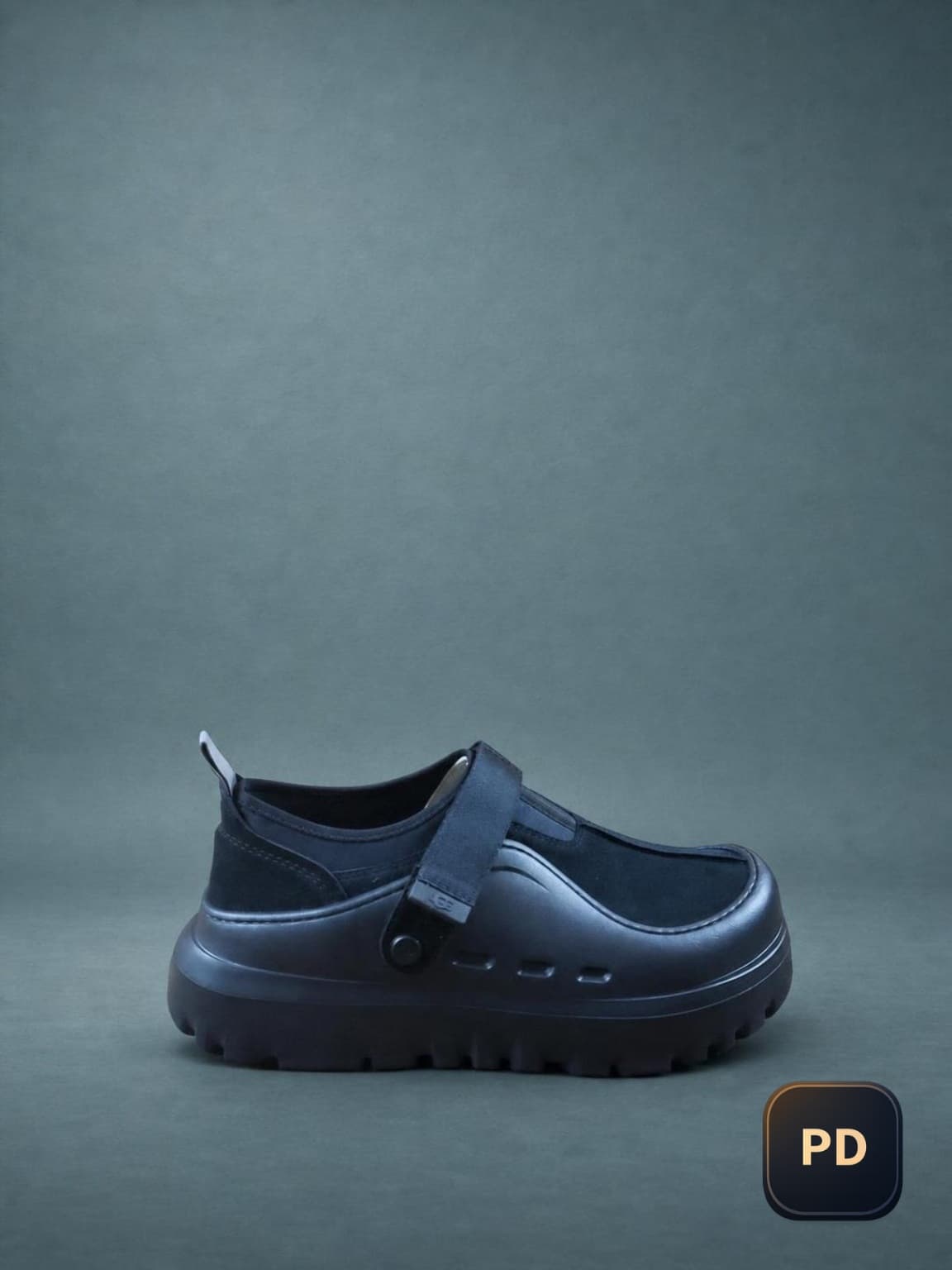
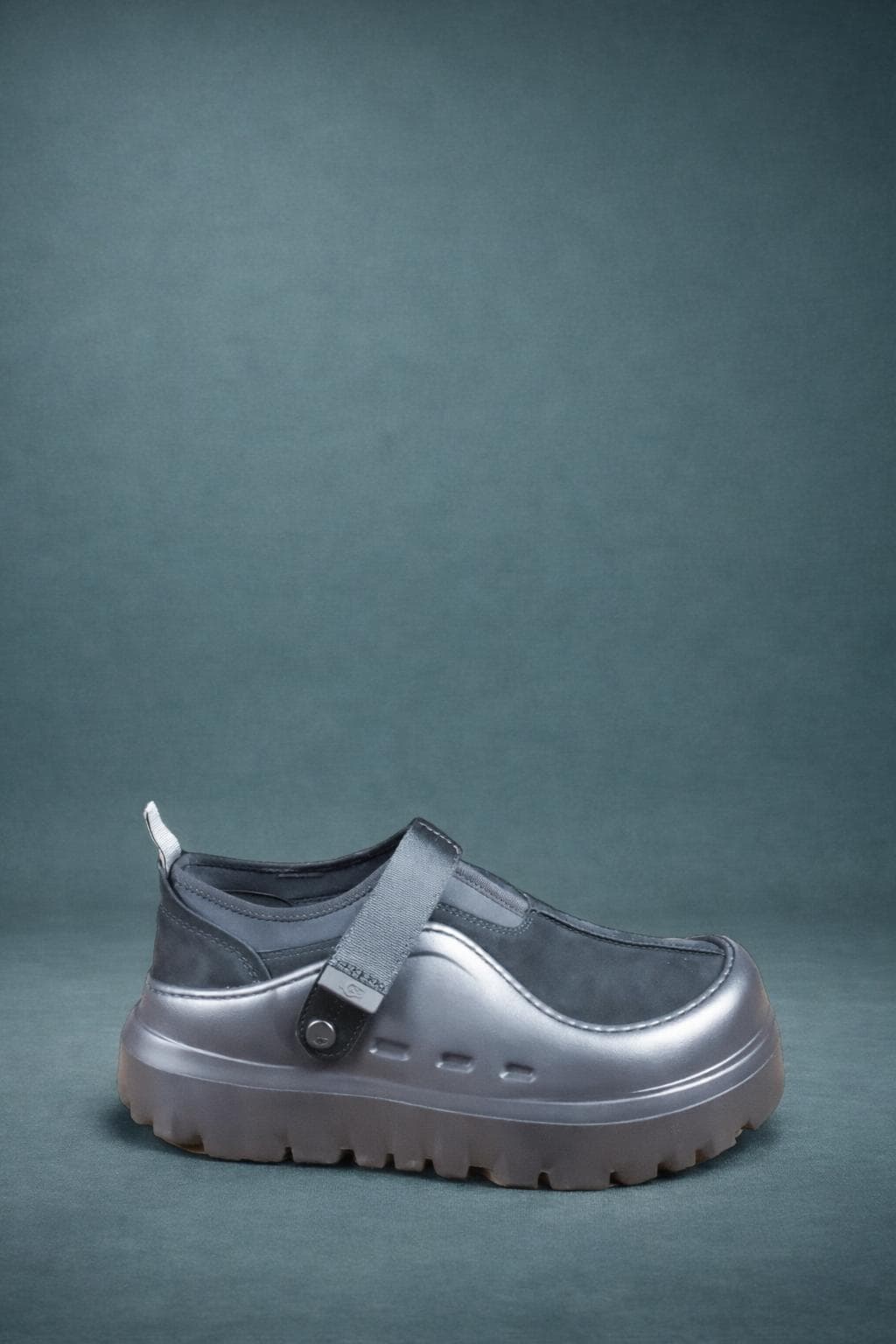
Portrait Drop output

after
Finished boot product output from Portrait Drop
Why it matters

Why product photos matter for your business

High-quality product images build trust and drive sales. Most sellers struggle with poor lighting, distracting backgrounds, and editing tools that take too long to learn.

Hiring a professional photographer can be expensive, and traditional editing software requires skill.

Poor lighting

Uneven lighting makes products harder to trust and harder to evaluate.

Distracting backgrounds

Cluttered rooms, counters, and floors pull attention away from the product.

Time-consuming tools

Traditional editing software takes skill, time, and a separate workflow.

Features

From capture to product post in one Android workflow

Portrait Drop is built for sellers who want a faster path from product photo to listing-ready image and post copy without jumping between camera, editor, and notes apps.

Backdrop-first capture

Choose the look before you shoot, then capture the product into a cleaner studio-style result without a separate editing pass.

Image-aware selling copy

Create Post analyzes the captured product image and generates a hook, caption, CTA, and hashtags based on that exact item.

Save, share, or keep selling

Use the final image immediately: save it locally, share it, or move straight into post generation without switching apps.

Also works for profile photos

The same live camera plus backdrop workflow can also be used for cleaner profile photos when you need a more polished look.

The fix

Professional output without an editing session

Portrait Drop compresses the seller workflow. You frame the product in live camera, choose the backdrop before the shot, capture once, and get a studio-style result that is ready to save, share, or turn into a product post.

  • Backdrop selected before capture
  • Studio-style output the moment you save
  • A direct path into image-aware selling copy
Get it on Google Play
Ankle shoe product photo output with studio-style backdrop from Portrait Drop

Clean ankle shoe backdrop

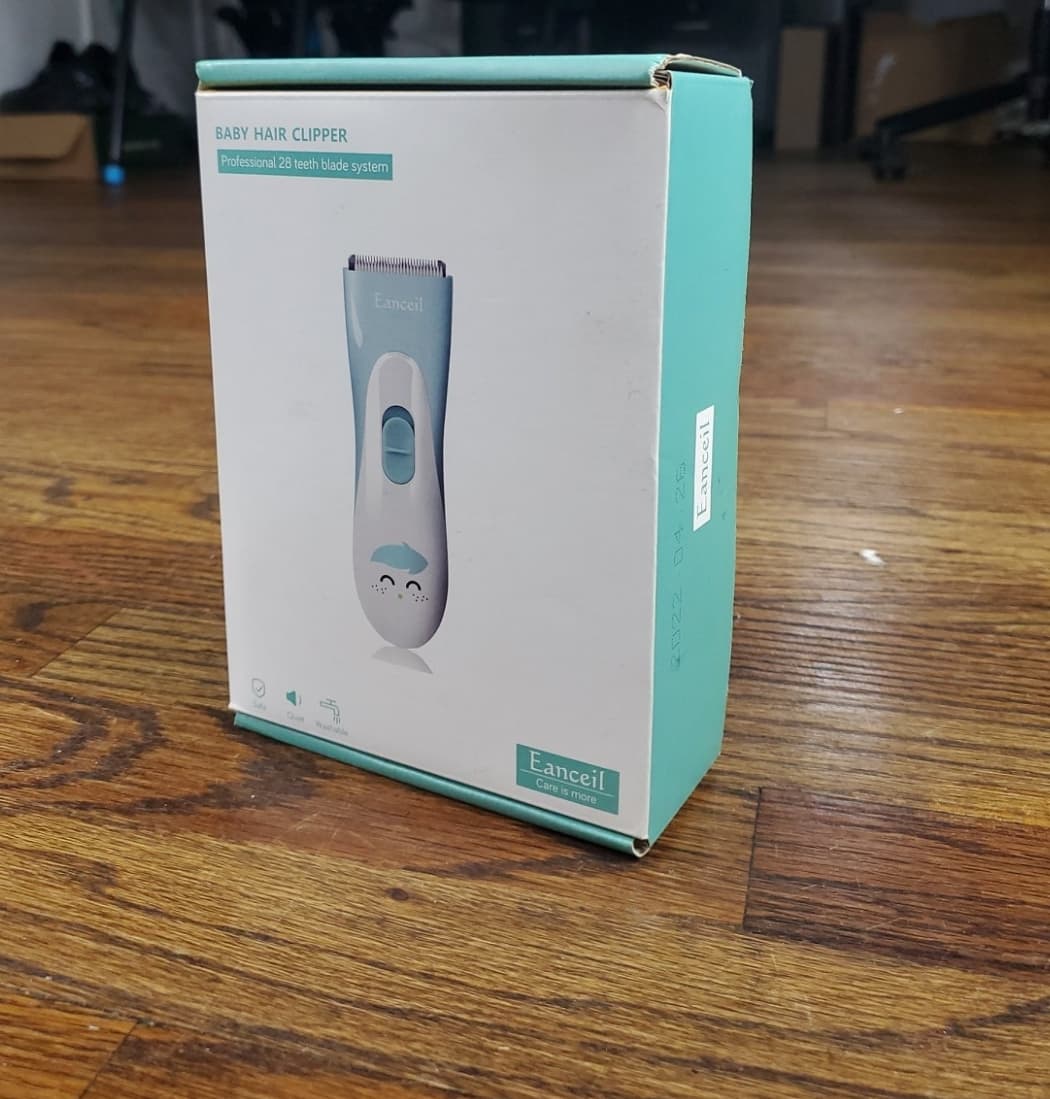
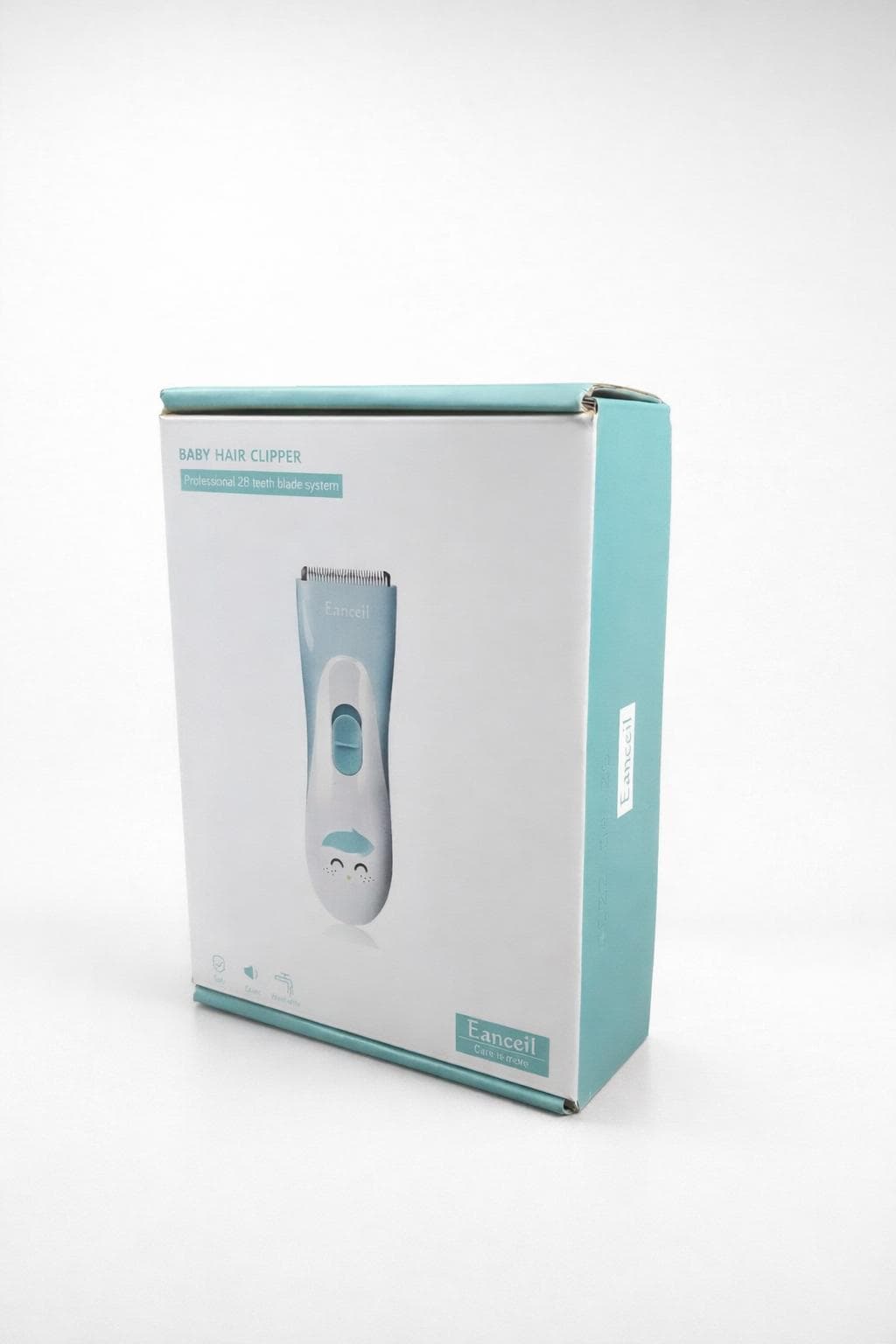
Baby hair clipper box product photo output from Portrait Drop

Baby clipper packaging

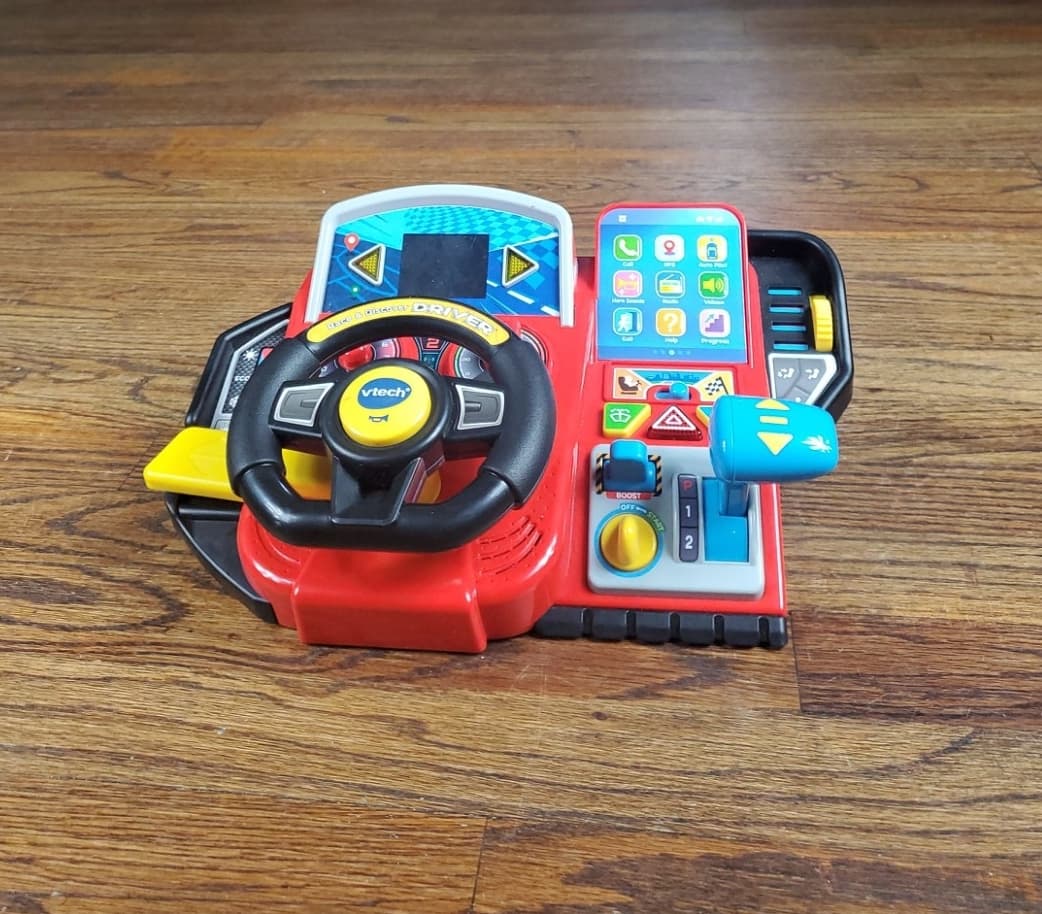
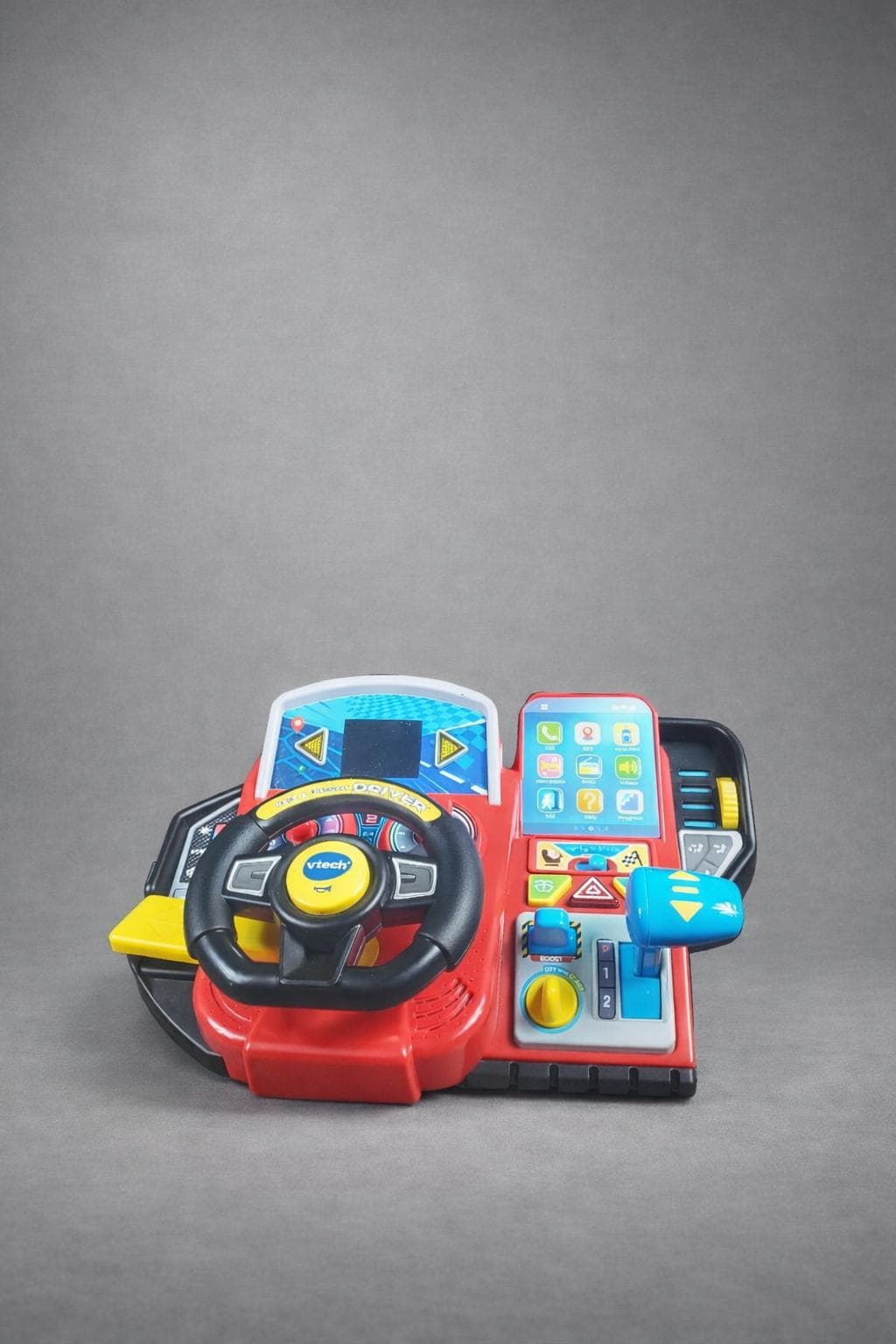
Toy steering wheel product photo output from Portrait Drop

Toy steering wheel product shot

Product photo tips

How sellers use Portrait Drop without a studio setup

Portrait Drop is designed for the moment when you need a cleaner product photo fast. Select the backdrop, take the shot, and let the app deliver the polished output instead of building a manual editing workflow afterward.

Take a photo using your phone

Capture the product where you are, without building a studio setup first.

Select a backdrop and style

Choose a cleaner look that removes distractions and keeps the product readable.

Generate a studio-ready image

Create a polished product photo for online stores, social media, or product pages.

Visual proof

Real results from real photos

Stronger product images should be obvious at a glance. These examples show the clean, seller-focused presentation Portrait Drop is built around.

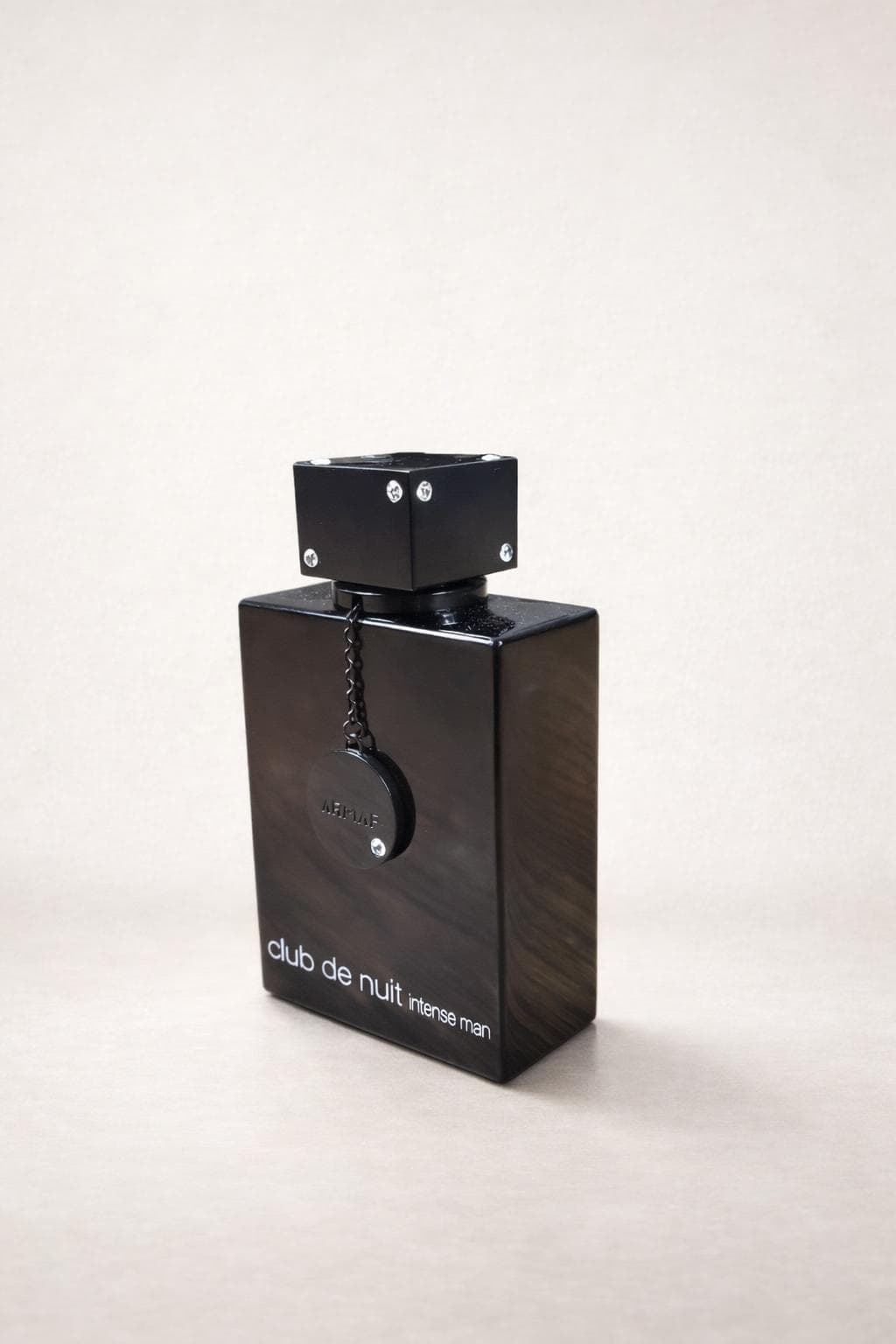
Perfume product image enhanced with Portrait Drop

Perfume

Shot on phone - enhanced with PD

I use this for my fragrance listings when I need the bottle to look premium without booking a shoot.

Maya R.

Fragrance reseller

Olay product image enhanced with Portrait Drop

Olay

Shot on phone - enhanced with PD

My skincare products look cleaner now, and customers can focus on the label instead of my counter.

Denise A.

Beauty shop owner

Bottle product image enhanced with Portrait Drop

Bottle

Shot on phone - enhanced with PD

I can photograph new grocery items the same day they arrive and get them ready for my online store.

Kevin T.

Online grocery seller

Globe product image enhanced with Portrait Drop

Globe

Shot on phone - enhanced with PD

This helps my learning toys look consistent across my shop, even when I take the photos myself.

Nina S.

Educational toy store

See the workflow

Watch the real Create Post flow inside Portrait Drop

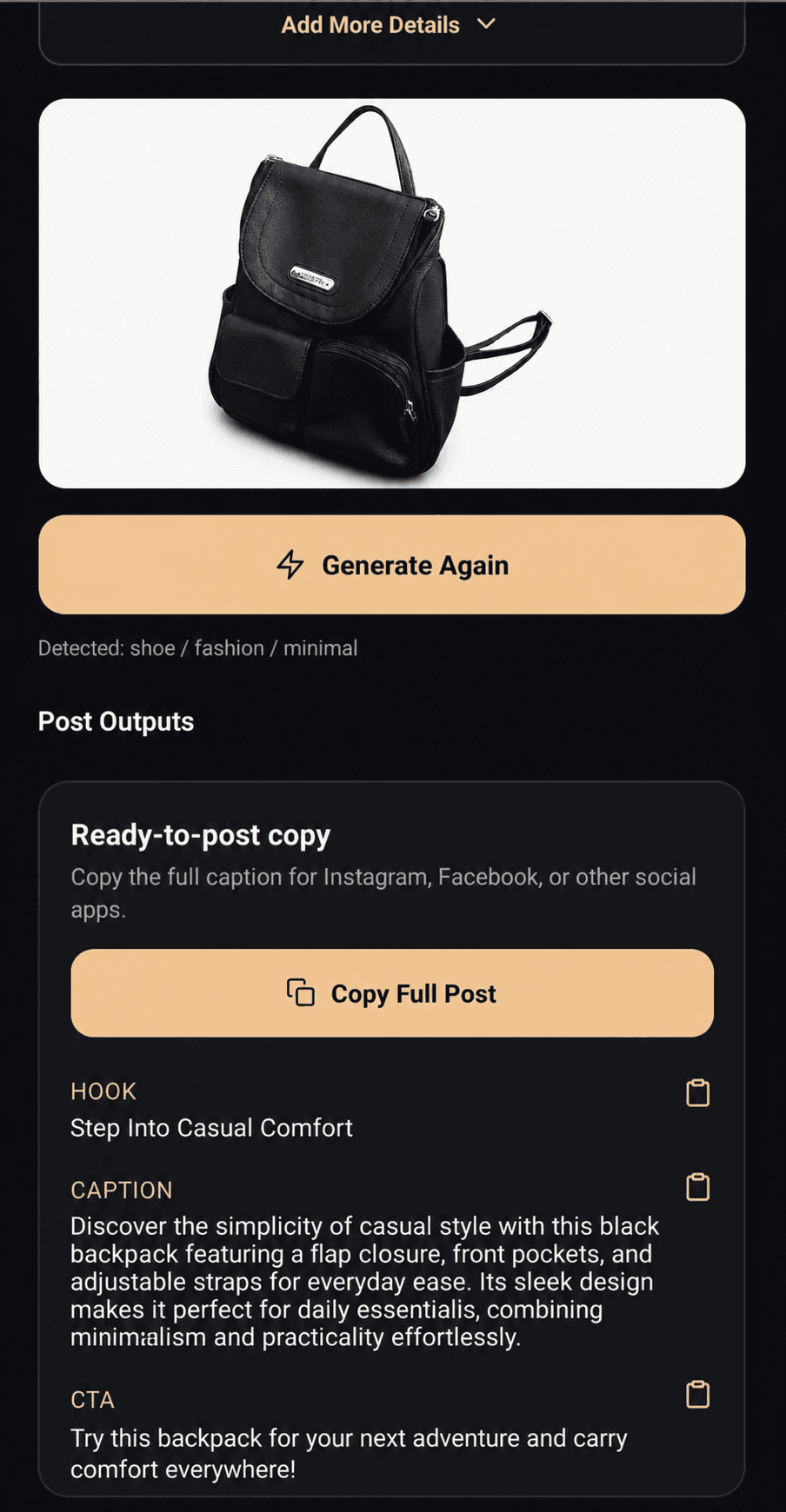
This is the actual in-app sequence after a capture is saved: Portrait Drop analyzes the image, auto-detects the product details, and returns a hook, caption, CTA, and hashtags built from that exact photo.

What you are seeing

1

Saved product image enters Create Post

The seller starts from a captured Portrait Drop result, not from a generic blank caption tool.

2

Portrait Drop analyzes and identifies the item

The app fills in the object name and aligns the category, condition, and visual tone before copy is generated.

3

Post outputs are generated from that image

The result is structured selling copy with a hook, caption, CTA, and hashtags ready to copy or use.

What makes this different

This is not a generic caption generator. The flow starts with an actual Portrait Drop capture, then the app analyzes that saved image before suggesting the product details.

The seller can review the detected item, adjust the fields if needed, and then copy structured post output built around that specific product image.

Real app demo
AI

Image analyzed

POST

Copy ready

Why it feels different

More than a generic product photo editor

Portrait Drop is built around workflow compression for sellers. Instead of taking a photo, opening an editor, cleaning the image, and writing the post separately, you move from capture to studio-style output to post-ready copy in one Android flow.

Decision lens

Which workflow actually fits how you sell?

Standard AI editors

Better fit when the work starts after the image already exists.

Portrait Drop

Better fit when you want to move from camera to final image to post faster.

Workflow

This is where the workflow difference becomes obvious.

Standard AI editors

Shoot first, edit later

Portrait Drop

Select backdrop before capture

Output timing

This is where the workflow difference becomes obvious.

Standard AI editors

Manual cleanup and retouching

Portrait Drop

Studio-style output at save time

What you leave with

This is where the workflow difference becomes obvious.

Standard AI editors

Just a finished image file

Portrait Drop

Image + hook + caption + CTA + hashtags

Pricing model

This is where the workflow difference becomes obvious.

Standard AI editors

Often centered around recurring subscriptions for ongoing access

Portrait Drop

Credit-based usage with optional seller passes when you actually need more volume

Best fit

This is where the workflow difference becomes obvious.

Standard AI editors

General visual editing workflows

Portrait Drop

Android sellers who want a faster capture-to-post flow

Bottom line

Choose a broader editor when your main job is post-capture visual editing.

Choose Portrait Drop when your main job is getting from product shot to seller-ready image and post with less friction.

How it works

From live camera to seller-ready output

01

Select the backdrop

Choose the look before the shot so the product is captured into the style you actually want to publish.

02

Capture the product

Shoot the item in live camera and let Portrait Drop process the saved result into a studio-style image.

03

Save, share, or create the post

Keep the final image locally, share it immediately, or use Create Post to generate image-aware selling copy.

Use cases

Built for sellers first, with profile photos as a secondary workflow

Marketplace sellers

Create cleaner product photos for Etsy, Amazon, Shopify, and social selling workflows.

Small product-based businesses

Launch new items faster without needing a studio, separate editor, or photographer.

Profile photo users

Use the same live camera plus backdrop workflow for cleaner profile and branding photos.

Credits & Access

Use Free, Pay When You Need More

Coming soon. Start free with watermarked exports. Buy one-time credits when you want more usage or watermark-free paid exports.

Current

Free Plan

$0

Start without paying

Try the core product photo, profile photo, and create-a-post workflows first.

  • 3 product photos refresh daily
  • 1 profile photo refresh daily
  • 1 AI create-a-post refresh daily
  • Up to 5 total copy credits each month
  • Manual create-a-post uses the same copy credit pool
  • Basic backdrops only
  • Portrait Drop watermark on every saved or exported image
Main upgrade

One-Time Credits

Pay only when you need more exports or content. This is the best fit for occasional product shots.

Best first buy

Product Export Credits

$2.99

For sellers who need extra clean product photos without starting a subscription.

  • 10 extra product photo exports
  • One-time purchase
  • No subscription required
  • Removes watermark from those paid exports

Profile Photo Credits

$1.99

For users who need more profile-style photos before the free daily reset.

  • 10 extra profile photo exports
  • One-time purchase
  • No subscription required
  • Removes watermark from those paid exports

Create-a-Post Credits

$2.99

For extra AI create-a-post and manual create-a-post usage when you need more content.

  • 30 extra copy credits
  • Shared across AI create-a-post and manual create-a-post
  • One-time purchase
  • No subscription required

Seller Passes

Choose a pass only if you create product photos every week and want predictable recurring usage.

Optional

Weekly Seller Pass

$2.99

7-day reset

For sellers and creators who know they will make product photos several times this week.

  • 20 product photos refresh daily
  • 5 profile photos refresh daily
  • 7 AI create-a-post credits refresh daily
  • Up to 50 total copy credits each week
  • Manual create-a-post uses the same weekly copy pool
  • No watermark on paid-plan exports
  • Basic and Studio backdrops
Power user

Monthly Seller Pass

$9.99

30-day reset

For shops and creators who create product photos and marketing copy every week.

  • 40 product photos refresh daily
  • 8 profile photos refresh daily
  • 10 AI create-a-post credits refresh daily
  • Up to 200 total copy credits each month
  • Manual create-a-post uses the same monthly copy pool
  • No watermark on paid-plan exports
  • Basic, Studio, Premium, and Luxury backdrops
Optional savings

Yearly Seller Pass

$119.88$99.90

Annual savings

For businesses that already know they will use Portrait Drop consistently.

  • 60 product photos refresh daily
  • 12 profile photos refresh daily
  • 12 AI create-a-post credits refresh daily
  • Up to 250 total copy credits each month
  • Manual create-a-post uses the same yearly plan copy pool
  • No watermark on paid-plan exports
  • Full backdrop library access
All upgrades and paid credits are handled inside the Portrait Drop Android app through Google Play. This pricing section is for comparing free access, one-time credits, and seller pass options before you download.
Simple value

No studio booking. No edit queue. No generic captions.

Portrait Drop keeps mobile product photography specific: choose the backdrop, capture the product, get the polished image, and turn that exact image into a seller-ready post. It is built for businesses that need faster product marketing from a phone.

FAQ

Frequently asked questions

Everything you need to know about Portrait Drop. If you still need details, reach out to the support team.

Get the app

Your phone can now do the studio shot and the product post

Download Portrait Drop to capture studio-style product photos on Android, save them locally, and generate image-aware selling copy from the same workflow.

Get it on Google Play