Quick Answer
Etsy is a visual, aesthetic-driven marketplace. Unlike Amazon, where shoppers often search for mass-produced utility, Etsy buyers are looking for craftsmanship, vintage character, handmade detail, and a curated story. Standard flat product photos can get buried because shoppers are not only judging the item. They are judging the shop's taste, consistency, and trust level.
Get Portrait Drop on Android
Download Portrait Drop on the Google Play Store to build a cohesive, high-trust Etsy storefront feed with live backdrop previews, real-product preservation, and pay-as-you-go flexibility.


Desktop visitor? Scan this with your Android phone.
Why Etsy product photography needs a cohesive feed
To stand out on Etsy, your photos must communicate premium product quality and a consistent brand narrative at the same time. If your listings are failing to gain organic traction, the issue may not be the product itself. The issue may be a chaotic storefront grid, inconsistent lighting, messy room backgrounds, weak shadows, or product images that do not show enough real handmade detail for buyers to trust the purchase.
Portrait Drop is not positioned as a generic upload-and-clean AI editor. It is a real-time mobile product photography workflow for Android sellers who want seller-ready images as they shoot, Professional Studio Finish, and image-aware selling copy.
1. The power of visual consistency in the store grid
When an Etsy buyer clicks on one listing from search, the next action is often visiting the shop profile to see the full storefront grid. If that grid looks like a chaotic mix of bedroom floors, kitchen counters, different wall colors, and inconsistent shadows, the shop can feel like an unorganized hobbyist operation even when the products are excellent.
Choose one lighting vibe and repeat it. Your brand can be bright and airy with clean morning daylight, warmer and handmade with afternoon light, or minimalist and editorial with neutral shadows. The specific style matters less than consistency. A predictable visual rhythm makes the shop feel intentional.
Anchor your backdrops. You do not need a physical studio room to create a consistent Etsy feed. Lock in a small backdrop palette such as soft cream, matte concrete, warm off-white, pale gray, or a clean neutral tone that supports your product category. Repeating that palette builds immediate recognition.
Keep thumbnail scaling uniform. Your primary items should fill a similar percentage of the frame across the catalog. If one necklace fills the whole square and the next appears tiny in the corner, the grid feels unstable. Consistent scale makes browsing the shop feel smoother and more professional.
2. Staging vintage apparel and curated clothing
Vintage buyers care about condition, fit, fabric, construction, and character. Clothing photos need to show the full silhouette first, then support the listing with detail images. Start with a clean hero image that makes the garment easy to recognize in search results.
Use the hanger flow for structured garments. Hang vintage pieces on a premium wooden or velvet hanger against a clean wall surface. Avoid cheap plastic hangers because they make higher-quality items feel less valuable. A good hanger can subtly lift the perceived quality of the garment.
Show details buyers inspect before purchasing. Use your Android phone's close-focus or macro capability to capture inner tags, stitching, material texture, buttons, distressing, zipper brands, hems, lining, and any flaws. Etsy buyers usually appreciate honesty, and strong detail photos can reduce pre-purchase hesitation.
Prepare the garment before shooting. Steam wrinkles, lint-roll dark fabrics, smooth collars, and align seams. Clean backdrops make wrinkles more visible, so preparation matters more once the photo style becomes polished.
Want this workflow on your Android phone?
Install Portrait Drop to capture product photos, preview backdrops, and prepare seller-ready images.
3. Staging handmade jewelry and small accessories
Jewelry and small accessories need clarity, scale, and glare control. One of the most common reasons small accessories get returned is that the buyer expected a different size. Your photo set should remove that uncertainty before the customer reaches checkout.
Add contextual scale. Photograph a ring on a hand, a necklace on a display stand, earrings beside simple packaging, or a charm next to a recognizable object. Scale images do not need to be the main thumbnail, but they should be part of the listing set.
Manage metallic glare. Polished silver, gold, glass, and glossy stones reflect the room like a mirror. Place a plain piece of white cardstock near the item to bounce soft light into the metal and reduce dark reflections. Avoid direct flash because it creates harsh white hotspots.
Keep props secondary. Etsy shoppers appreciate atmosphere, but the product must remain the clear subject. Use stands, hands, neutral trays, or minimal surfaces that explain the product without turning the image into a cluttered lifestyle scene.
4. The dangerous AI traps Etsy sellers should avoid
Many modern sellers use AI photo editors to speed up listing production, but blindly using generative tools on Etsy can create serious business problems. Etsy buyers often purchase because of the real handmade texture, real vintage condition, or real artisan detail. If the image changes those details, the listing can misrepresent the item.
The first risk is the return-rate penalty. Generative text-to-image tools can create fictional backgrounds, reshape product edges, mutate fabric patterns, smooth away handmade imperfections, or change color tone. If the delivered item looks different from the listing image, buyers may open disputes or leave lower reviews.
The second risk is the floating product mistake. Standard background erasers often remove the item's natural contact shadow. The product then looks like a sticker floating on a screen. That weakens buyer confidence because the product no longer feels physically present.
The safest workflow improves the presentation around the item while preserving the actual product. Etsy product photography should clean the scene, sharpen the edge, improve grounding, and keep the handmade or vintage identity intact.
5. Streamlining your Etsy workflow with Portrait Drop
To maintain creative momentum, Etsy sellers need a mobile editing environment built around independent creator schedules. Many shops launch seasonal collections, small batches, or one-of-a-kind inventory. A fixed monthly subscription can become unnecessary overhead during slow production periods.
Portrait Drop helps solve common Etsy photography bottlenecks without locking sellers into recurring fees. The app lets you select your signature Etsy backdrop before clicking the shutter. The live-view camera layers the real item against the background in real time, so you can test angle, crop, and grid consistency before capture.
Portrait Drop's AI engine is designed for defensive real-product preservation. It extracts jewelry, clothing, ceramics, accessories, and vintage finds from room clutter, applies realistic shadow grounding, and cleans edge artifacts while preserving the product's physical geometry.
Once the image is polished, the integrated AI text writer can help generate Etsy-oriented listing descriptions, tags, hooks, and promotional captions. That keeps the photo and copy workflow connected instead of forcing the seller to move between camera apps, background erasers, design tools, and browser-based writing tools.
The pay-as-you-go wallet also fits the rhythm of creator businesses. Sellers receive 20 free testing credits every month, and premium packs never expire. If you are not actively launching a new product drop, you are not paying a recurring software fee just to keep the tool available.
6. How to think about Etsy thumbnails
Your Etsy thumbnail is not just a smaller version of the product photo. It is the first sales argument. It has to be readable at a small size, visually consistent with the rest of your shop, and clear enough to tell the buyer what the item is before they read the title.
For handmade jewelry, avoid thumbnails where the product is too small or buried in props. For vintage apparel, avoid thumbnails where the garment shape is unclear. For ceramics, home goods, stationery, and accessories, make sure the product outline is visible and not blended into the background.
Leave enough breathing room for Etsy's crop behavior, but do not zoom out so far that the product loses impact. A good thumbnail usually feels simple, centered, and easy to understand in less than a second.
Conclusion: build a high-trust Etsy storefront from Android
Building a top-tier Etsy brand does not require complex graphic design skills or an expensive desktop setup. It requires a consistent backdrop identity, authentic real-product detail, careful staging, and a repeatable workflow that helps every listing feel like it belongs to the same shop.
By prioritizing genuine product details and using Portrait Drop's flexible pay-as-you-go workflow, Etsy sellers can build a more professional storefront feed from an Android phone. The result is not fake perfection. The result is a cleaner, more trustworthy presentation of the product buyers will actually receive.
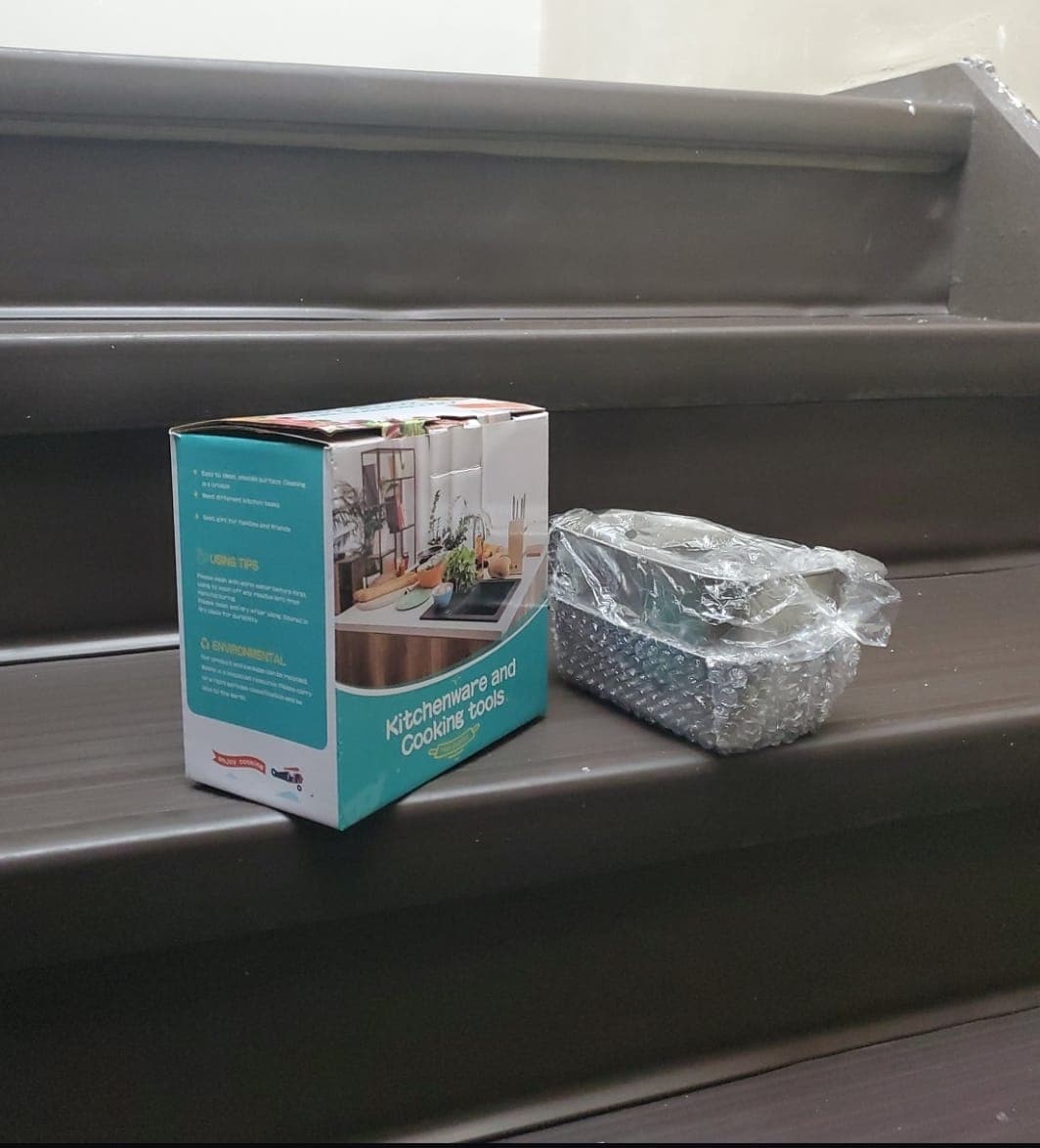
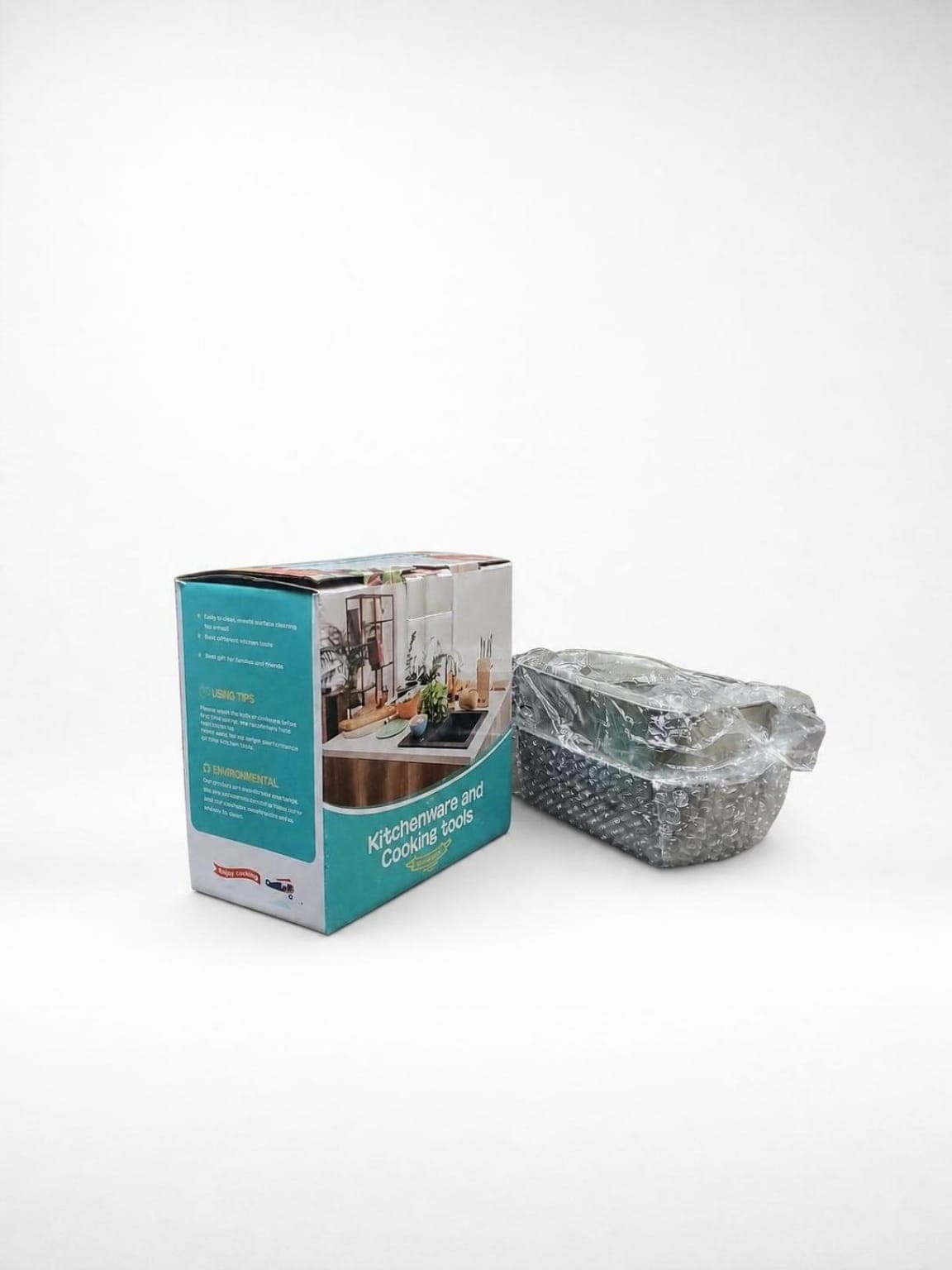
Etsy product photo examples
Portrait Drop workflow for Etsy sellers
1
Launch camera preview
2
Select backdrop
3
Capture photos
4
Professional Studio Finish
For Etsy sellers, the workflow starts in the camera preview so the product can be framed with detail and texture visible. Select the shop's signature backdrop first, capture the item with live preview, apply Professional Studio Finish only when the result still represents the real product accurately, then use AI copy support to prepare Etsy tags, descriptions, hooks, and social captions.
The essential Etsy 5-photo catalog formula
- Studio hero shot: use a crisp, bright, centered photo on a clean professional backdrop with realistic shadows.
- Detail or texture zoom: show material texture, maker stamps, tags, stitching, hardware, or fine craftsmanship.
- Scale or lifestyle shot: show the product in context, such as jewelry on a hand or a ceramic mug near a coffee setup.
- Packaging or unboxing image: show wrapping, thank-you notes, or branded packaging to raise perceived value.
- Condition or variation image: show size options, color variants, vintage wear, handmade differences, or honest product flaws.
- Keep lighting and backdrop style consistent across the shop grid.
- Avoid generative AI edits that change the real product's shape, material, color, or texture.
- Use Portrait Drop to preview brand backdrops before capture and preserve the real item during polish.
Frequently asked questions
What makes Etsy product photography different from Amazon product photography?
Etsy buyers often look for craftsmanship, vintage character, handmade detail, and brand personality. Amazon-style white backgrounds can help, but Etsy shops also need visual consistency, detail images, scale context, and a cohesive storefront feed.
How many photos should I use for an Etsy listing?
Use multiple photos with different jobs: a studio hero shot, a detail or texture image, a scale or lifestyle image, a packaging image, and a condition or variation image when relevant.
Should Etsy sellers use AI-generated backgrounds?
Use caution. Background cleanup can help, but generative edits that change the product's shape, texture, color, or handmade detail can misrepresent the item and increase dispute risk.
Is Portrait Drop useful for Etsy sellers?
Yes. Portrait Drop is useful for Etsy sellers who want live backdrop previews, realistic product preservation, cleaner shadows, and Etsy-oriented listing copy from an Android phone.
How can I make my Etsy shop feed look more cohesive?
Choose one lighting style, repeat a small backdrop palette, keep thumbnail scale consistent, and use a product photography workflow that preserves the real item while cleaning the presentation.
Related resources
How to Take Professional Product Photos With Your Phone: The Ultimate Android Reseller Guide
Use your Android phone to shoot cleaner product photos for Etsy, Shopify, Amazon, and resale listings. Try the Portrait Drop app workflow from Google Play.
Product Photography Without a Studio: A Guide for Home-Based Android Resellers
Shoot professional-looking product photos at home without expensive gear. Use natural light, DIY backdrops, and Portrait Drop's Android app workflow.
How to Make Shopify Product Images Look Professional: The Android Store Owner's Blueprint
Improve Shopify product images from an Android phone. Learn cleaner backgrounds, consistent catalog framing, realistic shadows, and the Portrait Drop workflow.
The Best Product Photo Apps for Android Sellers: A Complete Guide to Marketplace-Compliant Photography
Compare Android product photo apps for sellers. See free and paid options for background cleanup, listing captions, subscriptions, and Portrait Drop on Google Play.
Transform your Android device into an Etsy photography studio
Download Portrait Drop on the Google Play Store to build a cohesive, high-trust Etsy storefront feed with live backdrop previews, real-product preservation, and pay-as-you-go flexibility.
On desktop? Scan with your Android phone.